Beauty SKUs forgive a soft edge. Eyewear does not. A millimeter of temple warp, a lens reflection that invents a logo, a button row that gains an extra key — and the listing becomes a liability.
AI hard goods product images fail when teams apply fashion/lifestyle prompting to precision objects. Hard goods need geometry QA as a first-class gate: silhouette, symmetry, ports, hinges, and print — before any lifestyle world.
Key Takeaways
>
– Hard goods are spec products. Buyer trust is dimensional, not only emotional.
– Run a geometry checklist before beauty, upscale, or lifestyle extension (packshot thinking).
– Prefer reference-heavy generation; explore mode is for backgrounds after the object passes (reference vs explore).
– Upscale only after QA (upscale after QA) — sharpening warped hinges makes rejects look confident.
Why Do Lifestyle Prompts Break Hard Goods?
Because soft prompts optimize for vibe. Hard goods optimize for match-to-unboxing.
| Soft-goods bias | Hard-goods reality |
|---|---|
| Fabric drape can vary | Hinge angle cannot |
| Skin tone mood | Port count is binary |
| “Premium glow” | Specular lies on lenses/metal |
| Approximate logo | Exact wordmark + icon |
Eyewear, watches, earbuds, keyboards, tools, and small appliances sit on the hard side of that table.
For hard goods, the hero image is a contract drawing with light — not a moodboard with a product stuck on top.
Geometry QA Checklist (Pass Before Beauty)
Silhouette
- Outer shape matches reference
- No melted corners, no missing tips (eyewear temples)
Symmetry / alignment
- Left-right balance on glasses, buds, paired objects
- Button grids aligned
Functional parts
- Ports, hinges, switches, screws present and correct in count
- No “extra USB” hallucinations
Optics / materials
- Lens transparency plausible (no opaque glass unless product is)
- Metal vs plastic read correct
Print / icons
- Logos and iconography correct — or intentionally out of frame
Fail any row → reject. Do not lifestyle it “to hide the error.”
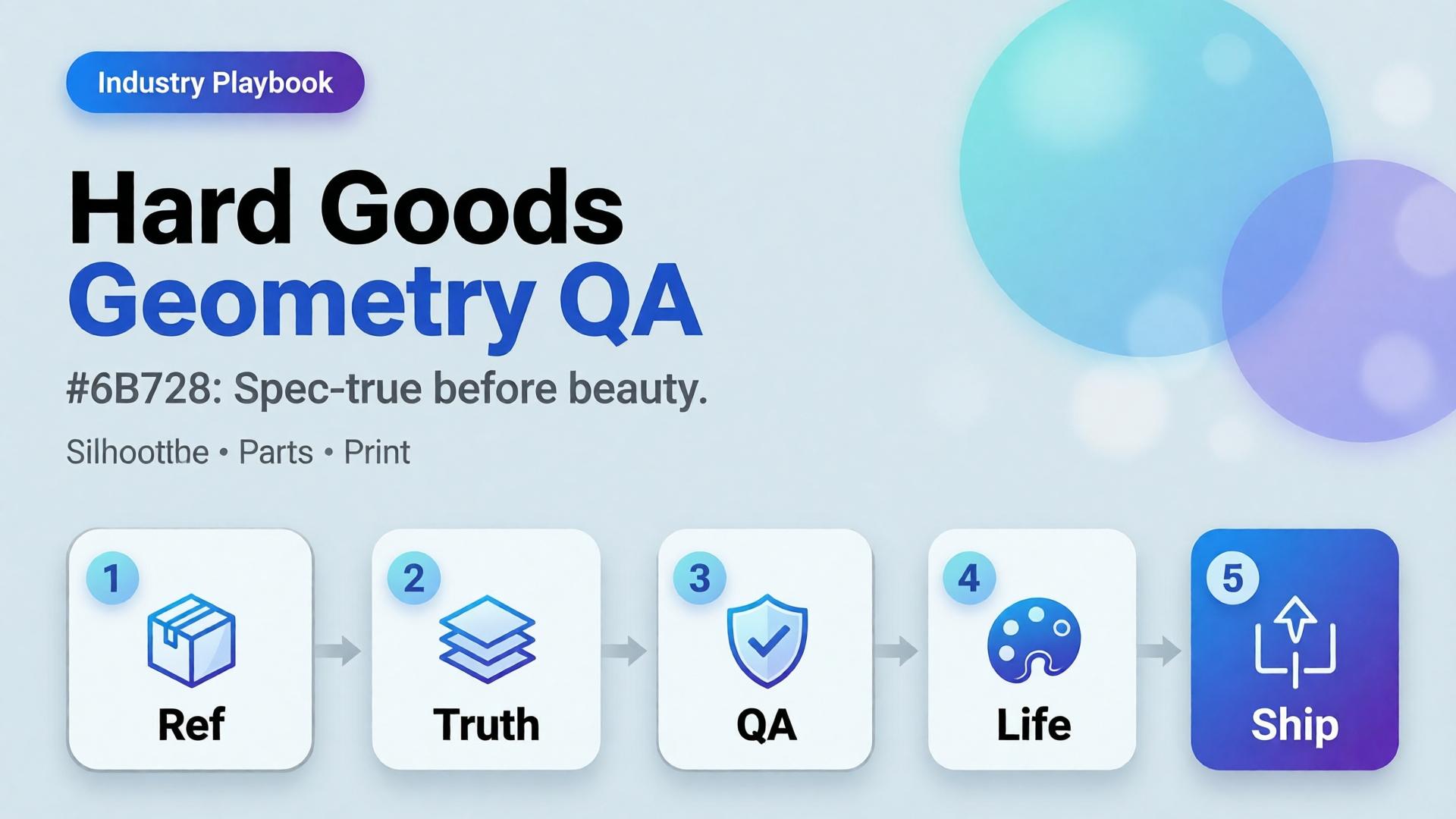
Playbook: Spec-True Then Scroll-Stopping
- Capture honest refs — front, 45°, detail of hinge/port
- Generate Truth angles reference-heavy (image model after direction)
- Geometry QA gate with zoom
- Optional lifestyle bridge — same approved object into a scene (desk, face for eyewear with character lock)
- Upscale + crop only on winners (node spine)
For ads, keep scene jobs — but Truth frames carry the SKU.
Category Notes
| Category | Extra risk | Extra gate |
|---|---|---|
| Eyewear | Lens reflections invent logos | Check both lenses |
| Earbuds / wearables | Stem length drift | Side-by-side with ref |
| Keyboards / controllers | Key count / layout | Count visible keys |
| Small appliances | Cable / button myths | Detail crop of controls |
Soft CTA
Build spec-true packshots before campaign worlds: Packshot · Ecommerce
Frequently Asked Questions
What counts as hard goods for AI product images?
Products where dimensional accuracy and part count matter to purchase and returns — eyewear, electronics, tools, precision accessories.
Can I still use lifestyle scenes?
Yes — after the object passes geometry QA. Lifestyle is extension, not repair.
Should I use a different AI model for hard goods?
Choose for fidelity bottleneck after direction — not because the category is trendy. See model-after-direction guidance.
How many reference angles do I need?
At least front + 45° + one detail of the failure-prone part (hinge, port, lens).
Conclusion
Hard goods do not need softer prompts. They need harder gates.
Geometry first. Beauty second. Lifestyle third. Upscale last. That is how AI hard goods product images survive zoom, returns, and marketplace scrutiny.
References
- Lumepixa, AI Product Photography Statistics 2026. https://lumepixa.app/blog/ai-product-photography-statistics
- Adobe, 2026 Creators’ Toolkit Report, June 16, 2026. https://news.adobe.com/news/2026/06/creators-toolkit-report-2026