If you searched for an AI product image generator, you do not need another art toy. You need a system that turns one real product photo into listing and ad creatives that still look like your SKU.
A useful AI product image generator for US ecommerce: upload a phone or packshot → get white-background Main Images, lifestyle frames, and Meta-ready crops — while packaging, logo, color, and shape stay locked. No Brooklyn studio day required. No “pretty but wrong bottle” returns.
Key Takeaways
- About 75% of shoppers rely on product photos when deciding to buy (Weebly, industry compilation 2026).
- Moving from one image to a 5–7 image set (angles + lifestyle) is repeatedly linked to higher conversion in industry summaries (Statista / 2025–2026 compilations).
- Tool intent fails when “generator” means Midjourney vibes forced onto Amazon Main Image rules.
- Checklist: real source → identity lock → job-based outputs → formats 1:1 · 4:5 · 3:4 · 9:16 · 16:9.
What should an AI product image generator actually do?
| Art generator | Ecommerce AI product image generator | |
|---|---|---|
| Input | Text prompt | Real product photo |
| Output | One pretty frame | Channel kit (Amazon, Shopify, Meta…) |
| Constraint | Aesthetic | Product identity |
| Success | Likes | CTR, ROAS, fewer returns |
Related hub framing: AI generated product images for ecommerce.
“Generator” is the wrong noun if it only generates files. The right product generates a publishable set.
Why generic generators burn Amazon and Shopify listings
Roughly 22% of returns tie to items looking different than photos (Weebly / industry compilations). Drifted logos and wrong carton color fail Main Image trust and A+ modules.
Lifestyle + packshot often lifts conversion about 15–30% versus white-only galleries (2026 A/B summaries). Your generator must output a set, not one hero.
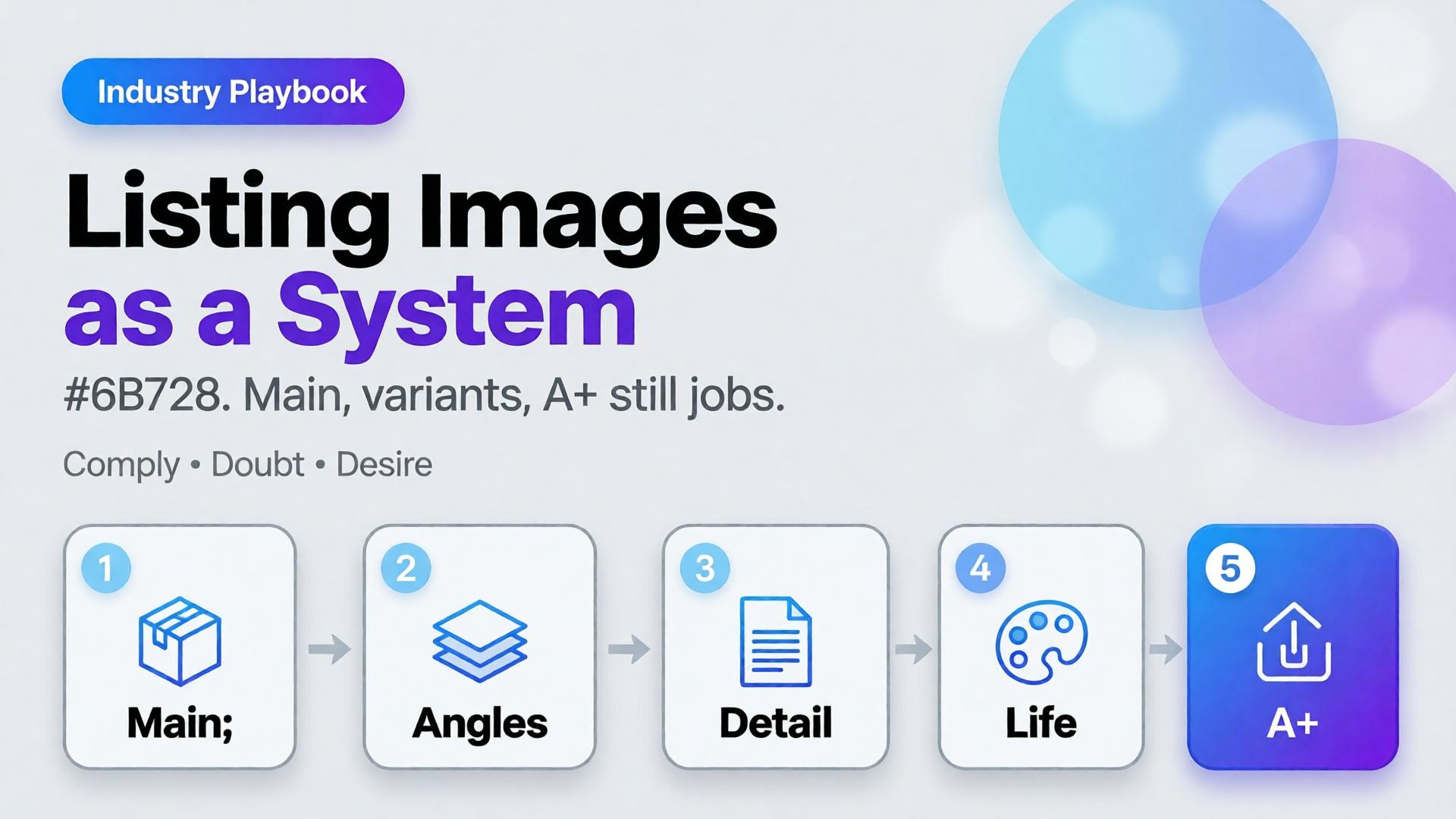
One upload → product kit
| Stage | Job | Ships to |
|---|---|---|
| Studio / white | Clean Main Image | Amazon.com, catalog |
| Lifestyle | Use context | Shopify PDP, Meta |
| Marketplace | Listing rules | Walmart, Etsy, eBay |
| Social ad | Scroll stop | IG, TikTok, FB |
| Campaign | Seasonal | Prime Day, Black Friday |
USPs under any tool landing:
- One Product → Multiple Creatives
- Keep Your Product Consistent
- Built for Ecommerce
- From Product Photo to Ad
- Multiple Formats — 1:1 · 4:5 · 3:4 · 9:16 · 16:9
How to run an AI product image generator (5 steps)
- Honest source — even light, readable label, no watermark (LA apartment kitchen phone shot is fine).
- Identity lock — color, logo, proportion, hard no-gos.
- Generate by job — not “make it prettier.”
- Aspect-aware export — Amazon 1:1 white; Reels 9:16; banners 16:9.
- QA — mobile recognition, label fidelity, no fake claims.
See Packshot thinking.
Orauria
Orauria is an AI Creative Studio for Product Marketing: one product image → photos, ads, social, short video → campaign pack. Not “another generator.” A product → ecommerce content system.
Create Your First Product Kit →
FAQ
Is an AI product image generator allowed on Amazon?
Yes if images represent the real item and follow current Amazon image policies. Prefer clean Main Images; use AI for lifestyle and secondary expansion.
How is this different from background removal?
Removal is one step. A real generator outputs lifestyle, ads, multi-aspect exports, and identity lock across the kit.
Do I need advanced prompts?
Not if the workflow is upload → pick image job → generate. The commercial brief matters more.
Conclusion
Pick your best Shopify or Amazon SKU, run one kit through the five jobs above, and A/B the Main Image for 7–14 days.