Search AI product photography and most results sell the same fantasy: type a prompt, skip the light, publish. That is not photography. Photography — even when AI sits in the pipeline — is still about how light hits a physical object and whether a stranger on Amazon can trust what they see.
Orauria’s job in that pipeline is not “invent a prettier bottle.” It is to help you turn a truthful capture into the rest of the commercial set. This article is about the photography half of that bargain: what you must still get right in camera (or on a phone), and what AI should never be allowed to invent.
Key Takeaways
- AI product photography fails when the source image has no usable light, edge, or label data — AI cannot recover truth that was never captured.
- White-background Main Images are a discipline (specular control, soft shadow, readable type), not a background-remove button.
- Hard categories (glass, foil, clear liquids, fine jewelry, wrinkled apparel) need a real shoot or a better source — not more prompts.
- Use AI to expand angles, scenes, and formats after identity is locked; keep studio days for brand film and impossible materials.
Photography intent is different from “generator” intent
People who type AI product photography usually want one of three jobs:
- Replace a day rate for catalog white / three-quarter packs.
- Fix bad phone light without renting a softbox.
- Scale a proven hero shot across variants and seasons.
Those are photography problems. They are not the same as asking a text-to-image model for “luxury skincare on marble.” If your brief still starts with a moodboard and no SKU photo, you are shopping for art direction — not product photography. For the kit / campaign framing, see AI generated product images for ecommerce. For tool-shaped search language, see AI product image generator.
The useful question is not “Can AI shoot my product?” It is: Which photons do I still need from the real object before AI is allowed to touch the file?
White background is a lighting test, not a cutout
Amazon-style white Main Images punish three photography mistakes AI tools often hide poorly:
| Failure | What the buyer sees | Fix before AI |
|---|---|---|
| Hard specular blowout | Plastic looks wet / fake | Diffuse key; kill glare on logo foil |
| Contouring shadow too dark | Product “sinks” into white | Lift fill; keep a soft contact shadow |
| Label mush at 100% zoom | Returns and bad reviews | Closer capture; sharper focus on type |
If your “AI white background” output still has frayed edges, gray cast, or melted barcode/type, the model is guessing. Guessing is not photography. Re-shoot or re-capture until edges and type survive a phone-screen zoom.
Category difficulty: when AI expansion is honest
| Category | AI expansion after one good source | Still shoot for real |
|---|---|---|
| Matte cartons, boxes, sachets | Strong | Rarely |
| Opaque bottles with flat labels | Strong | Color-critical SKUs |
| Glass / clear liquids | Weak–medium | Always for hero |
| Metal / chrome / foil stamping | Weak | Always for hero |
| Apparel on hanger / flat lay | Medium | Fit and fabric drape |
| Jewelry / tiny hardware | Weak | Macro and sparkle |
Rule of thumb used by catalog teams: if the material’s value signal is how light moves across it (glass, metal, silk), budget a real capture. If the value signal is shape + print + color block, a clean phone packshot plus disciplined AI expansion is often enough for listing and ads.
A hybrid shoot plan that respects photography
- One truthful hero — same angle you would approve from a studio: level, labeled side readable, no motion blur. Austin kitchen window + white foam board is fine if the physics are right.
- Lock identity in writing — Pantone/hex of carton, logo do-not-warp, “no extra foil,” “cap must stay matte black.”
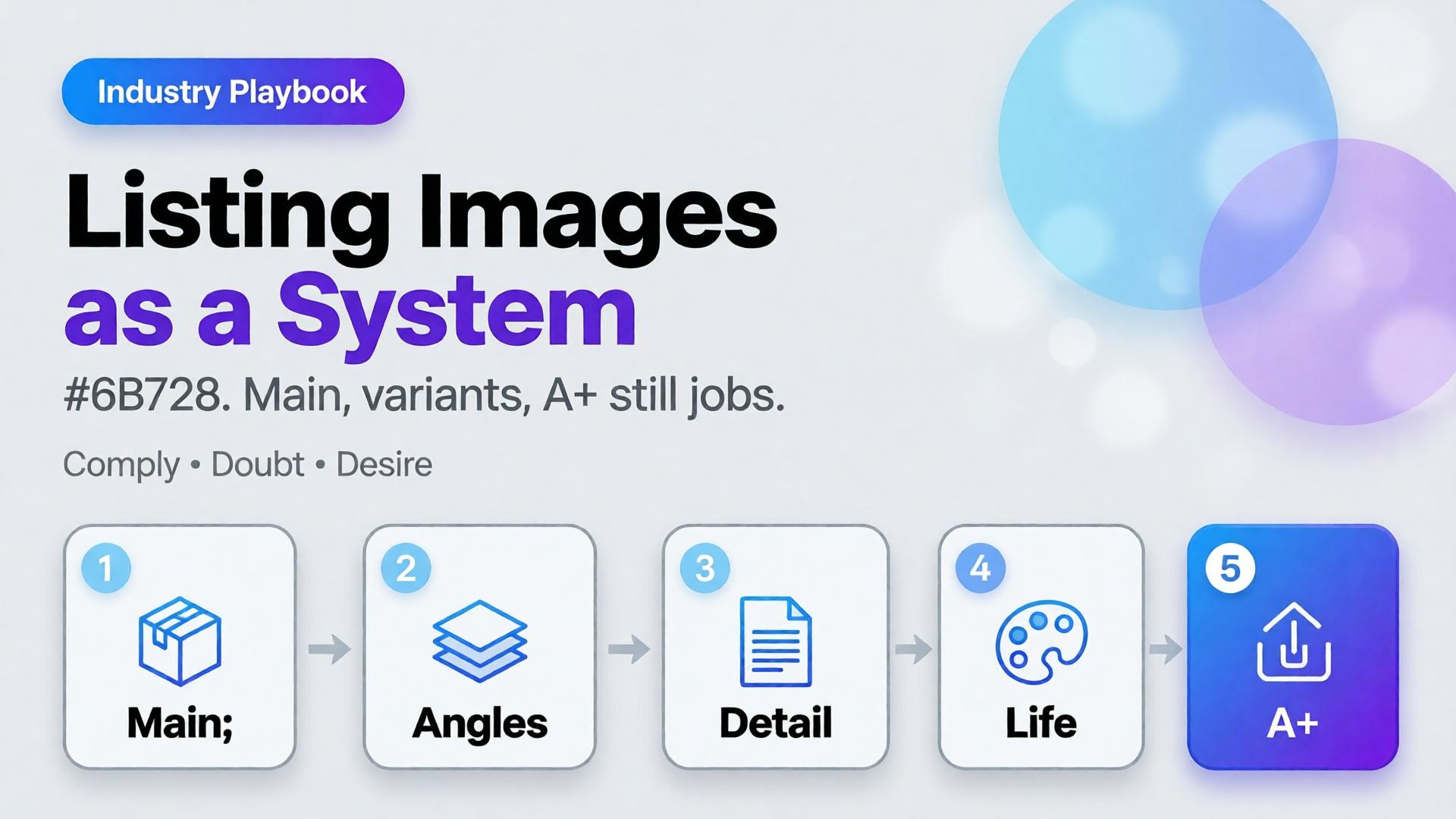
- Expand only after lock — alternate angles, lifestyle tables, seasonal props, 9:16 ad crops.
- Refuse silent redesign — if AI invents a new lid silhouette or “improves” the logo, discard. That is not photography; that is product fraud in slow motion.
- Channel QA like a photographer — check white purity, soft shadow, type legibility, and mobile thumbnail recognition before Amazon or Shopify publish.
Formats still matter commercially (1:1 · 4:5 · 3:4 · 9:16 · 16:9), but they are exports of a photographic decision — not the decision itself. Angle systems without a studio day: Packshot thinking.
What Orauria is for in this workflow
Orauria is an AI Creative Studio for Product Marketing: one product image → photos, ads, social, short video → campaign pack. In photography terms: you bring the truthful capture; the system helps you build the commercial set without drifting the SKU. Soft CTA only after the craft is clear — not instead of it.
Create Your First Product Kit →
FAQ
Can AI product photography replace a studio entirely?
For matte catalog SKUs and rapid ad variants, often yes after one good source. For glass, metal, jewelry, or brand hero film, keep a real shoot. Hybrid is the adult answer.
Why does my AI white background look “plasticky”?
Usually speculars and edge light were wrong in the source, or the model filled missing highlight data. Fix capture geometry before regenerating.
What should I put in the identity brief?
Exact packaging color, logo integrity, proportion locks, materials that must not be “beautified,” and claims you refuse to imply in lifestyle scenes.
Conclusion
Treat AI product photography as a chain: capture truth → lock identity → expand commercial frames → QA like a photo lead. If you skip the first link, every downstream “AI photo” is cosplay.