Create

Product photography

AI packshots from a single product photo

Plan commercial angles — front, three-quarter, detail, label — then generate a sell-ready set for listings and ads. Built for ecommerce catalogs that need volume without a full photo shoot.

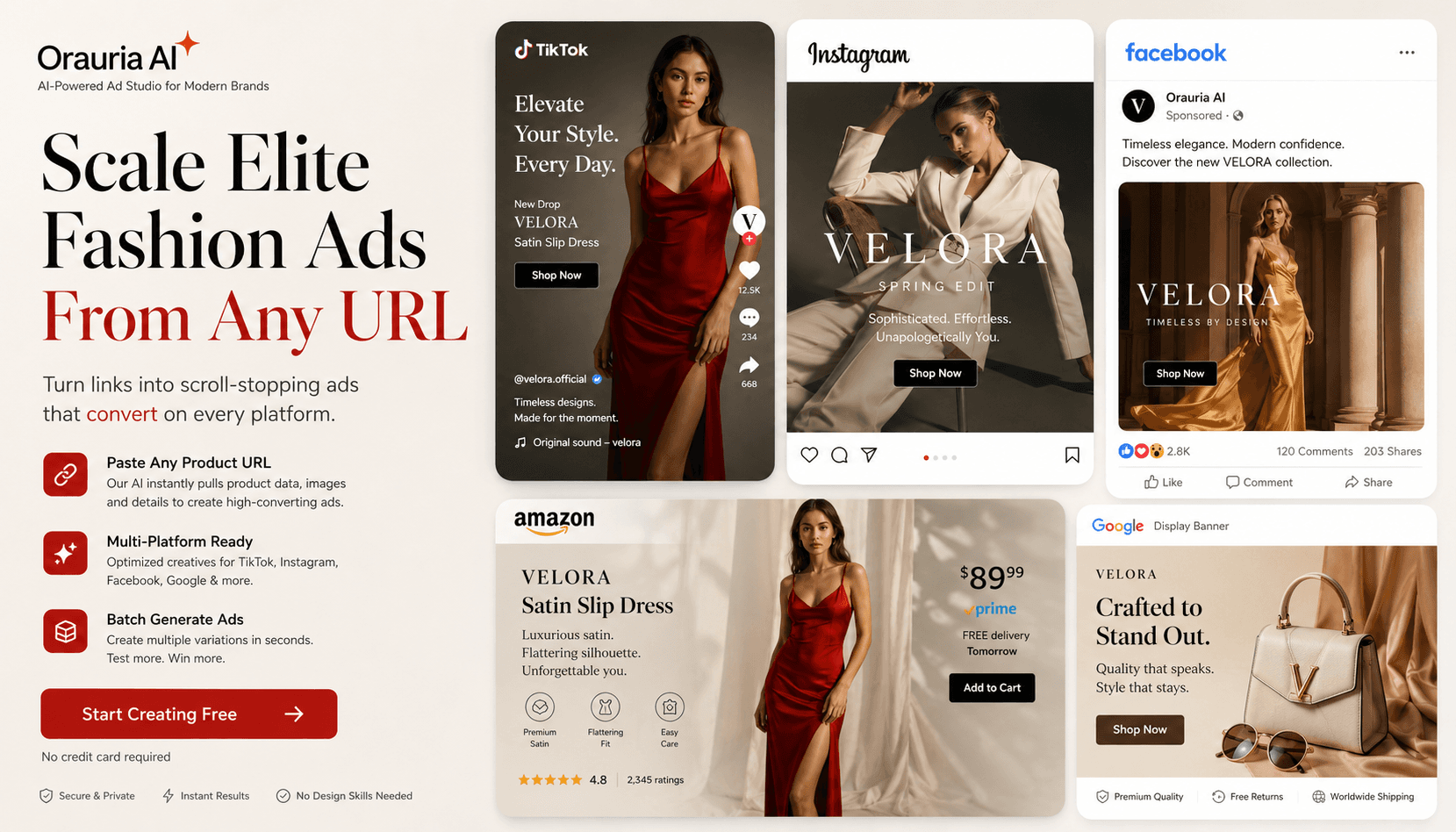
Fashion product and lifestyle creatives for listings and ads

Why ecommerce teams hit a creative wall

Your listing is missing the angles shoppers expect

Marketplaces do not convert on a lone hero shot. Buyers want back, three-quarter, detail, and packaging views before they trust the product. Gaps in the gallery look unfinished — and reshooting every SKU just to complete the set pushes go-live further out.

Mismatched lighting makes the whole store look cheap

Freelancer and supplier photos rarely share the same light, white balance, or shadow style. Side-by-side on a PDP, the catalog feels patchy and unprofessional. Brand Style plus shared prompts keep packshot packs coherent so every SKU looks like one brand, not five freelancers.

Agency lead times steal your launch window

Waiting days for packshots freezes ads, A+ modules, and seasonal pushes at the worst moment. Merchandising and media buying need listing-ready angles in hours — so campaigns, PDP updates, and creative tests can move in the same sprint instead of a two-week traffic jam.

How it works in Orauria

  1. 01

    Upload your product reference

    Drop a clear product photo into Studio or a Workflow Start / Image Input node.

  2. 02

    Plan packshot angles

    Use Shot Prompt Planner in packshot mode to build a shot list (angles, props, background).

  3. 03

    Generate each shot

    Run Generate Image per shot, review, then upscale winners for marketplace resolution.

What you can ship

Packshot shot packs

Workflow agent ideas wire Brand Style → Shot Planner → Generate Image for each angle.

Commercial framing

Clean backgrounds, controlled props, and listing-friendly compositions.

Batch for catalogs

Use Studio batch mode when you need many variations of the same SKU concept.

Example workflow

Bag listing set from one shoe photo

A footwear seller uploads a single side-view photo. Shot Planner creates front, 3/4, sole detail, and lifestyle-lite angles. After generation, Upscale prepares Amazon-ready resolution.

  • 8 packshot candidates in one session
  • Consistent white/studio look across angles
  • Faster PDP update without a reshoot

Frequently asked questions

Will results look identical to a real studio?

AI packshots are excellent for drafts, testing, and many live listings, but you should review for accuracy on materials, logos, and fine text. High-stakes brand campaigns may still use photography for hero SKUs.

Can I keep packaging text readable?

Use clear references and review outputs carefully. For beauty/packaging, prefer modes that emphasize label preservation and edit with Inpaint if needed.

What models can I use?

Studio exposes available image models from Orauria’s catalog (including major providers). Pricing is shown before generate.