The listing looks soft on mobile zoom. Someone drops the file into an upscaler. Edges crisp. The logo grows new serifs. A seam appears that the product does not have. The marketplace still rejects the crop — or worse, accepts it and returns spike later.
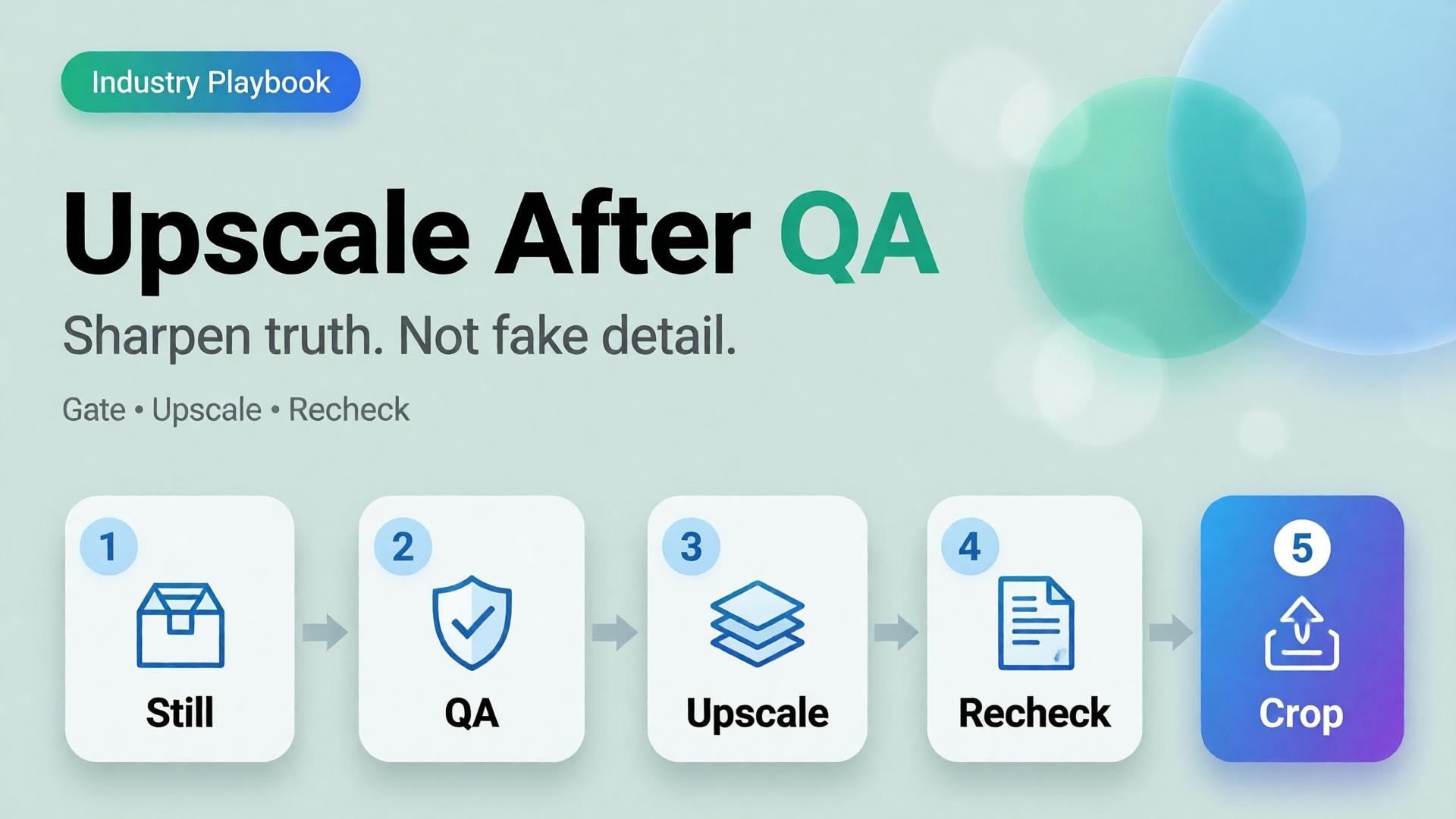
AI product image upscale is not a magic “make HD” button. It is the Upscale node in a workflow: sharpen only what already passed geometry and label QA.
Key Takeaways
>
– Upscale amplifies truth and lies equally. QA before sharpen.
– Products with high-quality photos convert far better than weak imagery in 2026 roundups (Salsify-cited ~94% lift vs low-quality) — but “sharp fakes” are not high quality (Lumepixa, 2026).
– Place Upscale after Generate gates in node thinking — never as forgiveness for a bad reference.
– Marketplace min resolution is a delivery constraint, not a creative strategy.
Why Do Teams Upscale Too Early?
Because resolution is measurable and fidelity is judgment.
| Early upscale habit | What actually happens |
|---|---|
| Soft phone photo → 4K | Soft lies become sharp lies |
| Rejected AI still → upscale | Warped type becomes confident warped type |
| Every crop upscaled | Hours spent polishing variants that should die |
| Upscale instead of reshoot/ref | Reference problem becomes production debt |
Phone-to-campaign discipline still starts with a usable reference (workflow mindset). Upscale cannot invent a better capture — only a bolder one.
Marketplace buyers do not reward megapixels. They reward zoom that still matches the unboxing. Upscale without QA is how you fail that contract in high resolution.
The QA Gate Before Upscale
Run this checklist on the winner still only:
Geometry
- Silhouette matches physical SKU
- No melted corners, stretched labels, floating caps
Typography / print
- Brand wordmarks readable and correct
- No invented ingredients, seals, or stars
Material
- Fabric / plastic / glass reads plausible
- No “plastic skin” or fake micro-contrast
Compliance
- Background rules for the target marketplace
- Required margins for the crop job
Fail any row → regenerate or recapture. Do not upscale.
This is the same honesty bar as packshot thinking.
Where Upscale Belongs in the Graph
Upload → Brand Style → Generate → QA gate → Upscale → Crop / Localize
| Node | Allowed to change |
|---|---|
| Generate | Scene within brief |
| QA | Nothing — only pass/fail |
| Upscale | Apparent resolution / mild denoise |
| Crop | Framing only |
If Upscale changes identity, your tool is not upscaling — it is regenerating without permission.
Playbook: Marketplace Delivery Without Fake Detail
- Approve master at working resolution (enough to judge label truth)
- Run QA checklist with a second pair of eyes when claims are legal-sensitive
- Upscale once to the strictest channel need (do not chain 2× → 2× → 2× blindly)
- Re-check typography at 100% zoom after upscale
- Crop for feed / PDP / cover from the upscaled master
- Archive both pre- and post-upscale for dispute / rollback
For multi-market text, localize on the approved master path (image localization) and re-QA text regions after any sharpening.
When Not to Upscale
- Source is already sharp enough for the channel
- Detail is mostly AI hallucination risk (tiny badges, dense nutrition panels)
- You need a new angle — shoot/generate the angle instead
- The soft look is intentional mood (then deliver mood at native res)
Soft CTA
Build honest packshots before you sharpen them: Packshot · Ecommerce
Frequently Asked Questions
Does AI upscaling improve conversion?
Only when it improves clarity of a true product image. Sharp false detail can hurt trust and increase returns.
Should every SKU be upscaled?
No. Upscale when the channel requires resolution you lack after QA. Skip when native resolution already clears the bar.
Upscale before or after cropping?
Usually upscale the approved master, then crop — so all ratios share one sharpened truth. Re-QA critical text after crop if glyphs sit near edges.
How is this different from choosing a higher-tier image model?
Model choice happens at Generate. Upscale is a delivery node. Do not confuse them — see choose image model after direction.
What is the biggest upscale mistake on marketplaces?
Using upscale to “save” a failed label. Marketplaces and buyers both punish confident errors.
Conclusion
Sharpen after you trust.
QA the still. Upscale once. Re-check the type. Crop for channels. Never ask an upscaler to invent honesty.
That is how AI product image upscale supports marketplace growth — without shipping beautiful fiction.
References
- Lumepixa, AI Product Photography Statistics 2026. https://lumepixa.app/blog/ai-product-photography-statistics
- Lumepixa, Product Image Statistics 2026. https://lumepixa.app/blog/ecommerce-product-image-statistics
- Adobe, 2026 Creators’ Toolkit Report, June 16, 2026. https://news.adobe.com/news/2026/06/creators-toolkit-report-2026