Swim drops do not wait for studio weather. Colors change weekly. Cuts multiply. The brand that regenerates a new beach every SKU looks like a stock site by mid-season.
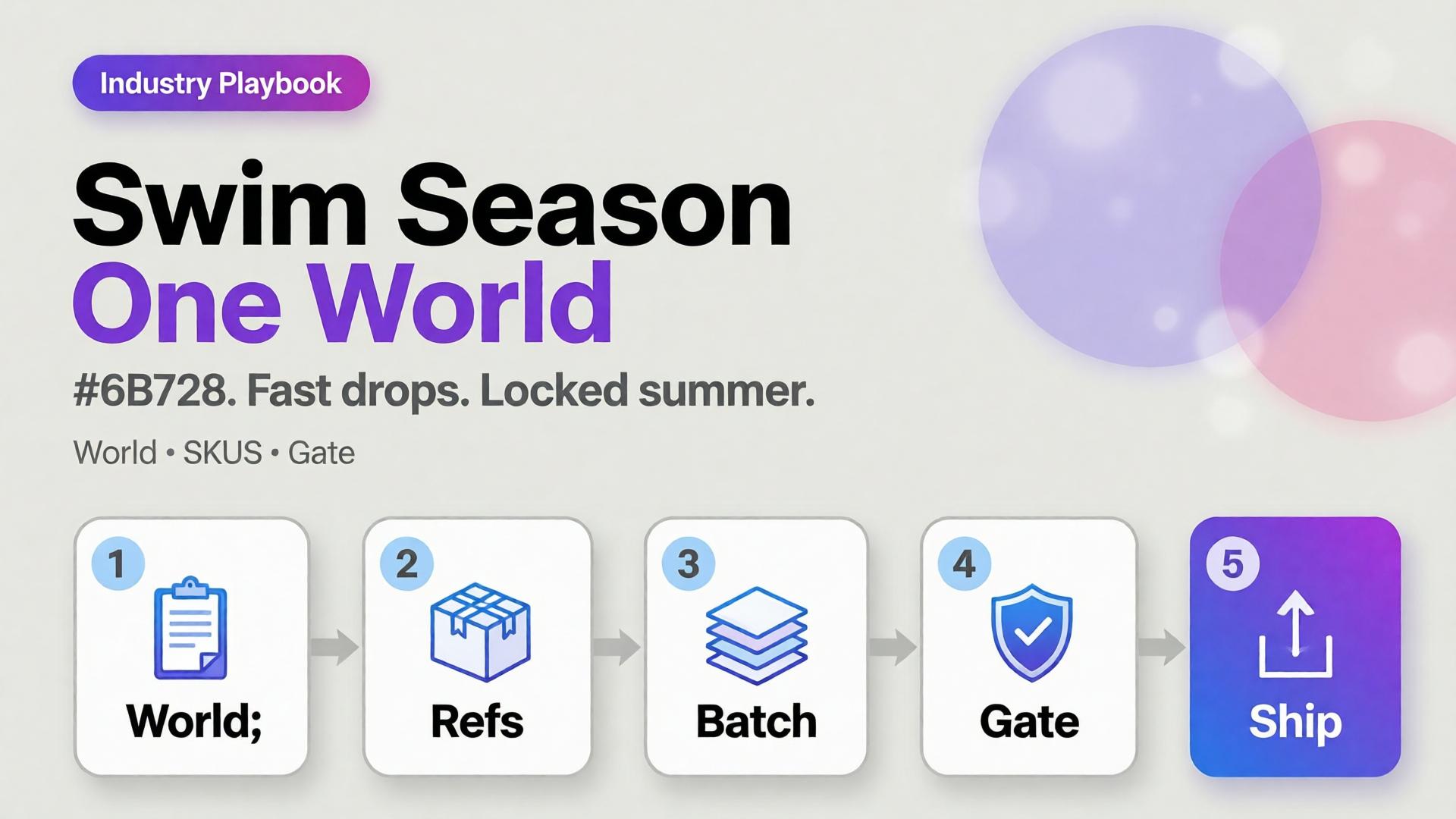
AI swimwear campaign images scale when you freeze a season world, swap garment refs, and gate fit — the same spine as a zero-budget lookbook, tuned for sun, water, and fabric cling.
Key Takeaways
>
– Seasonal speed comes from one world × many SKUs, not one prompt × many worlds.
– Swim fabrics exaggerate fit errors — treat try-on gates seriously (virtual try-on ads).
– Map campaign scenes with SCENE: hero stand, waterline, detail, motion freeze, shade/lifestyle.
– Keep batch kit rules for palette and light across the season.
Why Do Seasonal AI Sets Look Cheap Mid-Campaign?
Because time pressure invites world hopping.
| Fast bad habit | Season-safe habit |
|---|---|
| New beach per colorway | One locked coast/pool kit |
| New model per drop week | One character family |
| Explore-first always | Refs-first after week one |
| Publish every generate | Curator gate on cling/fit |
Speed without a kit is just accelerated drift.
Seasonal commerce rewards recognizable weather. Shoppers should feel “same summer, new cut” — not “new planet every Thursday.”
Season World Checklist
Lock before the first SKU batch:
- Location class (pool / rocky coast / urban sun)
- Time of day + light temperature
- Water presence rules (wet fabric yes/no)
- Prop kit (towel, chair) — minimal
- Character / body anchors
Write it in ten lines. Reuse all season.
Playbook: Weekly Swim Drop
Monday — Refs
Photograph or flat-lay each new cut. Capture print scale.
Tuesday — Generate in-world
On-body + hero stills with garment lock. No new locations.
Wednesday — Gates
- Fit/cling accuracy
- Print placement
- Character continuity
- World leak check (suddenly indoor marble)
Thursday — Channel crops
Feed / Story / Shop hooks from winners (scene jobs).
Friday — Archive
Winners enter the season kit for next colorway swaps.
Soft CTA
Ship seasonal listing and campaign stills from locked worlds: Listing Images · Photography
Frequently Asked Questions
How many scenes does a swim campaign need?
Five strong in-world scenes beat fifteen unrelated beaches. Expand SKUs, not planets.
Wet look — generate or shoot?
If wet drape matters to the SKU story, brief it explicitly and QA cling. Do not invent wetness that misrepresents fabric.
Can I reuse last year’s world?
Yes if brand season identity continues. Update props lightly; keep light logic if it still matches the collection.
What breaks swim AI images most?
Print drift on small patterns and strap geometry errors. Zoom those first.
Conclusion
Seasonal swim is a world business.
Lock summer once. Swap cuts weekly. Gate fit. Crop for channels. That is how AI swimwear campaign images stay fast without looking rented from a stock library.
References
- Adobe, 2026 Creators’ Toolkit Report, June 16, 2026. https://news.adobe.com/news/2026/06/creators-toolkit-report-2026
- Lumepixa, AI Product Photography Statistics 2026. https://lumepixa.app/blog/ai-product-photography-statistics