There is no “upload my GPT” button in Orauria, and this guide will not pretend there is. A conversion is a rebuild. That is slower than an importer, and it is also the moment you can drop instructions that only made sense inside someone else’s chat product — and replace image or text calls with Orauria MCP tools you control.
The work is mostly inventory, then a new agent shell: instructions, a model from list_models, optional generate_image or chat calls, and a short set of test prompts you already know the answers to. The example is fictional: a Custom GPT a merchandiser used to turn product notes into listing copy and a square still, rebuilt as a small agent for a made-up shop named Harbor Yarn Co. The shop is invented. The mapping below is practical, not a claim that every GPT feature has a named twin.
What you need
| Item | Where it comes from | Notes |
|---|---|---|
| Edit access to the Custom GPT | You must own it | You cannot reliably extract another person’s configuration |
| A scratch document | Your desk | Instructions, starters, file list, tool list, and test prompts |
| The original knowledge files | Wherever you first uploaded them | Do not assume a configure screen will give you clean downloads |
| An Orauria API key | Profile → API keys | process.env.ORAURIA_TOKEN; public examples use YOUR_ORAURIA_TOKEN |
| Orauria MCP | http://orauria.com/api/mcp |
chat, generate_image, get_task, list_models, get_wallet |
| An agent host | A small app, a skill, or a client listed on the MCP page | Confirm any Grok Bot connection in your own workspace |
| Orauria Studio and the extension | Optional, for the visual side | AI Assistant Copilot – Orauria for Image to prompt |
Phase 1. Extract everything before you rebuild
Open the GPT you own, in edit mode, and copy the instructions into a scratch file verbatim. Do not rewrite them yet. Copy the name, the description, and the conversation starters. Make a list of knowledge files, then go get the originals from disk or Drive — the filenames in a configure tab are not a substitute for the files.
Write down which capabilities were actually on (browsing, image generation, a code tool, custom actions). For each action, save the schema, the auth type, and — more useful — the two or three endpoints the GPT really called. Then save five to ten prompts you have already run, plus the answers you accepted. That set is your regression test. Without it you will not know whether the rebuild is close.
Phase 2. Build a thin agent shell
Create a new agent or a small server route that can hold a system prompt, accept a user message, and call MCP. Fill in the name and description you copied. Decide whether this thing is an open chat or a one-shot tool. A GPT that always did “paste notes, get a listing and a still” is often better as a single form plus one chat call and one generate_image call, not as an endless thread.
Leave the trigger manual until the answers match your baseline. Scheduled or webhook runs can come later; they are easier to add than to debug while the prompt is still messy.
Phase 3. Port the instructions, then strip the old product’s habits
Paste the raw instructions into the system prompt of your chat call (or into the agent’s instruction field). Then edit. Remove lines that only refer to the old environment: “you are a GPT,” “use the browsing tool,” “call the image generator by that vendor’s name,” or file names that will not exist in the new host. Those leftovers are a common reason a port “sounds off.”
If the instructions hide a branch — “if the user wants a still, do X; if they want copy, do Y” — consider making that branch explicit in your code or in a short router prompt that returns a route. A long prose tree is harder to test than two clear paths.
Pick a chat model with list_models (kind chat). Start close to the behavior you already liked, get parity on the test prompts, then experiment. Official MCP documentation notes that chat is billed per token to your Studio wallet, and that you use your Orauria key rather than a separate provider key in the MCP header.
Phase 4. Rebuild knowledge, images, and actions as tools you actually have
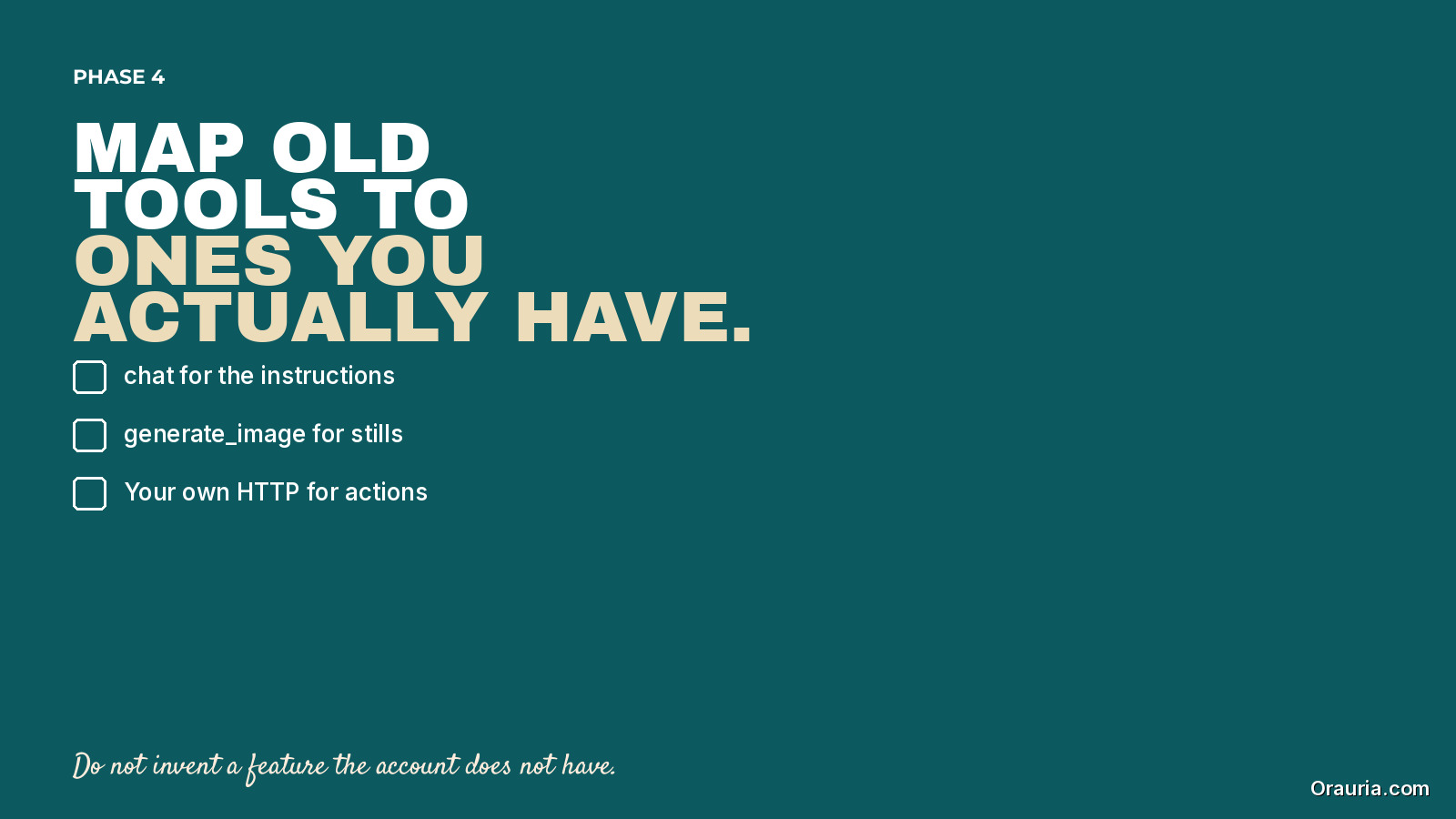
Knowledge files do not magically attach themselves. For a first port, keep the corpus small: put the key documents where the agent can read them, or paste a short retrieved excerpt into the chat message yourself. This guide does not invent an Orauria “vector block” that may not be in your account. If you later add your own retrieval, test it with the same baseline prompts and check that the excerpts are the ones you expected. Weak context is the usual reason a port feels worse than the GPT.
Image generation maps cleanly: call generate_image at http://orauria.com/api/mcp with a model such as tt-image-2.5, poll get_task until is_final, and use result_url. Attach a product reference in params.images when identity matters. A still has been about 0.02 credits. Image to prompt, in the Chrome extension, is the way to draft a visual brief from a style frame (about 0.06 credits) before you generate.
Custom actions become server-side HTTP calls you write, with secrets in the environment, not in the prompt. If the old GPT chose among many tools on the fly, start narrower: one or two endpoints behind an explicit route. Open-ended “write and run any code” is not something to port literally; replace it with a function you reviewed.
Conversation starters can become buttons or suggested prompts on your new UI. They are not required for the model to work.
Phase 5. Test against the baseline, then publish carefully
Run the saved prompts and compare answers side by side. Tone shifts first; that is usually a prompt edit, not a model panic. Check that image jobs return a file, that knowledge excerpts are relevant, and that no secret leaked into a log. When it is close enough, expose the agent to a small set of users — you first — and keep a way to roll back the instruction file.
You gain things a GPT chat window did not give you: a key you can rotate, a wallet you can check with get_wallet, image and video tools on the same endpoint, and the option to call the agent from an app. You also keep the obligation to approve anything that leaves the building.
Practical notes
- Extract first, rebuild second. Do not rewrite instructions while you are still missing files.
process.env.ORAURIA_TOKENin running code;YOUR_ORAURIA_TOKENin public examples.- MCP bills Studio prices.
chatis per token; stills follow the image model. - Credit style references, and do not ship a reprint of someone else’s image.
- If you are migrating several GPTs, finish the most useful one and live with it for a week before you clone your own porting habits onto the rest.
- Resist a purely literal copy of a 3,000-word instruction that branches in prose. Those improve when the branches become explicit.
FAQ
Is there a one-click importer?
No. Plan for a manual rebuild.
Where do the old instructions go?
Into the system prompt of a chat call, or the instruction field of your agent, after you strip product-specific leftovers.
How do I keep listing images on-brand?
Attach a product reference, write identity first in the prompt, and review result_url against the photo. See How to Keep Product Identity Stable.
Can the new agent browse the web or run arbitrary code?
Only if you add a tool you trust. Do not assume those toggles come along automatically.
What model should I start with?
Whatever list_models currently lists that matches the job. Confirm the name at wiring time; do not treat a tutorial name as frozen.
Start here
Open the GPT you own, copy the instructions and the test prompts, and gather the original files. Create a thin agent that calls chat at http://orauria.com/api/mcp with process.env.ORAURIA_TOKEN. Add generate_image only if the GPT actually made pictures. Compare the baseline prompts, then decide whether it should stay a one-shot tool or become a chat.
Install AI Assistant Copilot – Orauria if you need Image to prompt for the visual side. For the MCP poll loop, see How to Call the Orauria MCP from a Shopify App. For a first agent without production code, see Your First AI Agent Without Writing Production Code.