The common failure pattern in text-to-video is the same:
People generate early, then discover late. They refine prompts while the world already drifted.
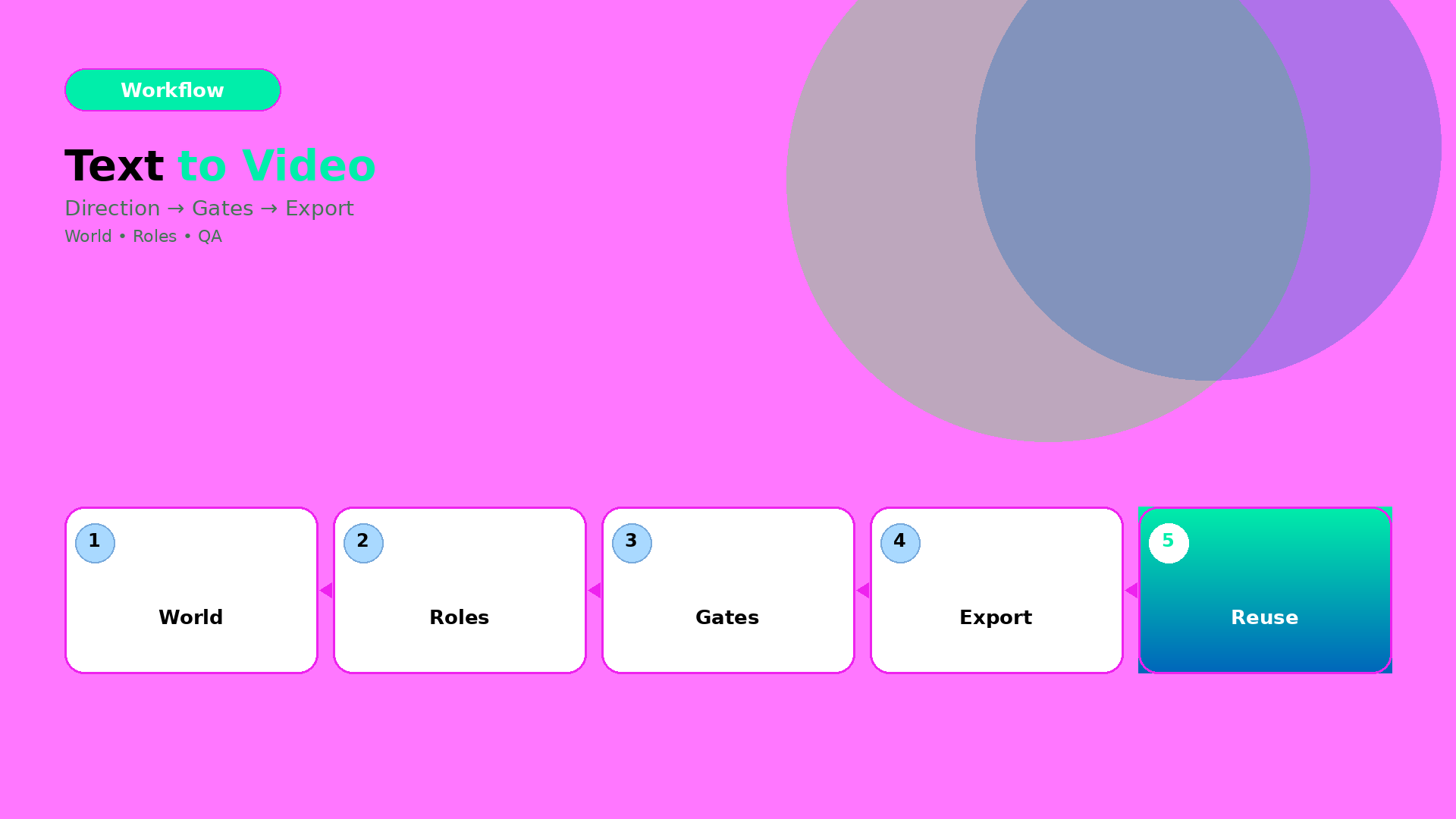
The production fix is simple: stop treating text-to-video as a “prompt task”. Treat it as a workflow with gates.
Key Takeaways
– Text-to-video works when you lock direction before you generate.
– The right QA gates prevent world drift (tone, shadow family, and identity continuity).
– Efficiency improves when you route by bottleneck: geometry vs readability vs offer tone.
Step 1: Turn text into direction (not a prompt)
Start with one compressed direction brief:
- World: the setting + light family + tone
- Roles: what each scene must do (hook, proof, offer)
- Constraints: what cannot drift (product truth, identity anchors, claim safety)
If your direction brief can’t be spoken in 20–30 seconds, your video will splinter.
Step 2: Generate under gates (batch, then filter)
Generate more than you need. But do not “pick the best-looking”.
Filter by pass/fail gates:
- World gate: does the light/tone stay consistent?
- Identity gate: does the character/product identity stay in range?
- Offer gate: does the visual imply the same promise as your copy?
Any failure means you update the direction kit—not your luck.
Step 3: Export variants channel-safe
Text-to-video videos often die at export:
- captions get cut
- safe zones break
- aspect ratio changes product proportions
So export with the same gate logic:
| Channel | Gate focus |
|---|---|
| Reels (9:16) | first-second readability |
| Stories | caption timing and proof hold |
| Feed (1:1 / 4:5) | product truth center framing |
Routing: which bottleneck decides your workflow?
Use bottleneck-first routing:
- if geometry is failing → choose direction/scene constraints that preserve edges and proportions,
- if readability is failing → adjust label/typography rules before generation,
- if offer tone is failing → align caption gate with scene roles.
Model choice is downstream.
What to do next
If you want the workflow mindset: