The Slack thread starts the same way every week: “Should we use Veo, Kling, or Seedance?” Nobody has written the shot list. Nobody has locked the product reference. Nobody has decided whether the clip is a hook, a demo, or a proof. Credits disappear. The cut still feels generic.
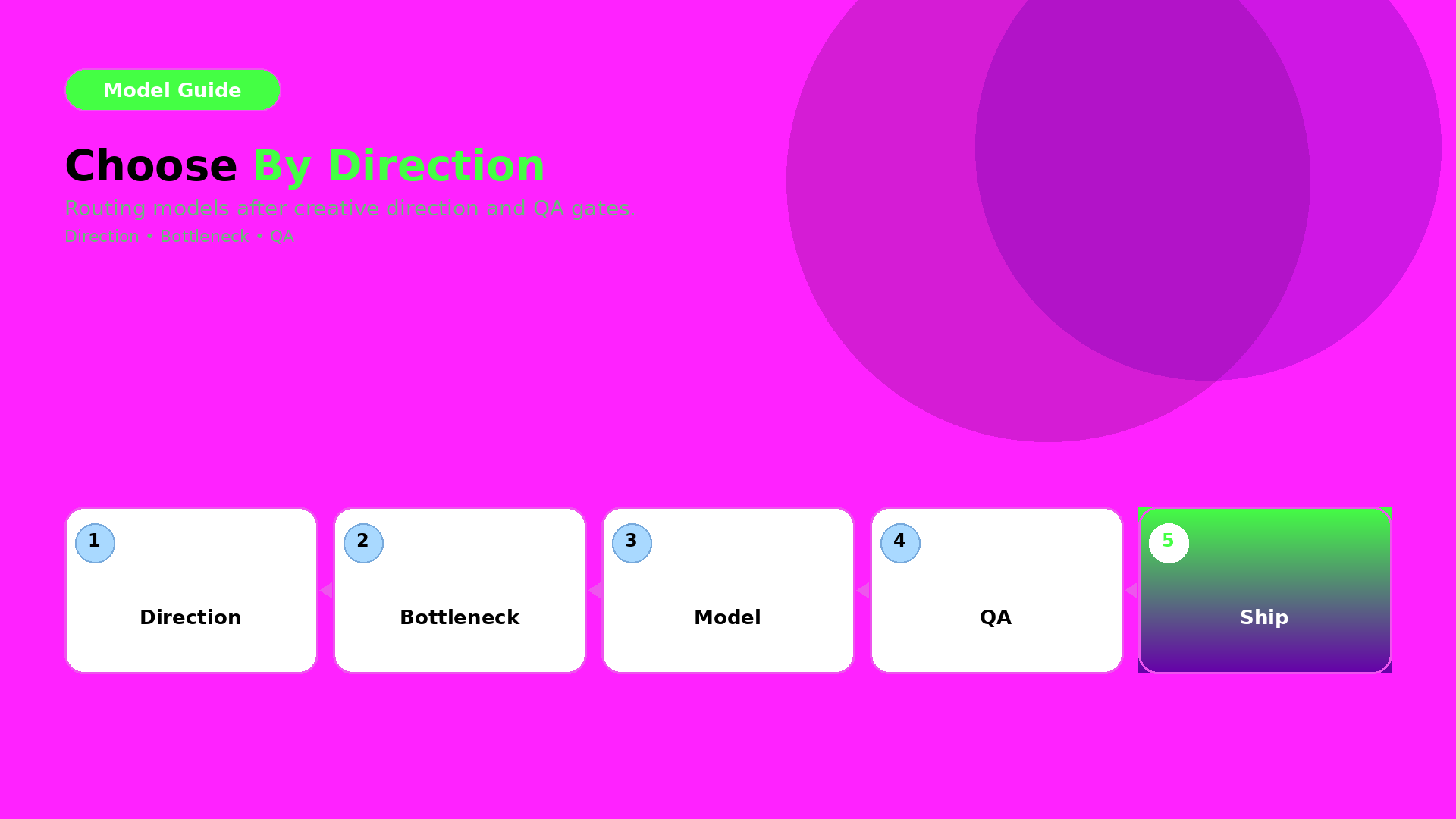
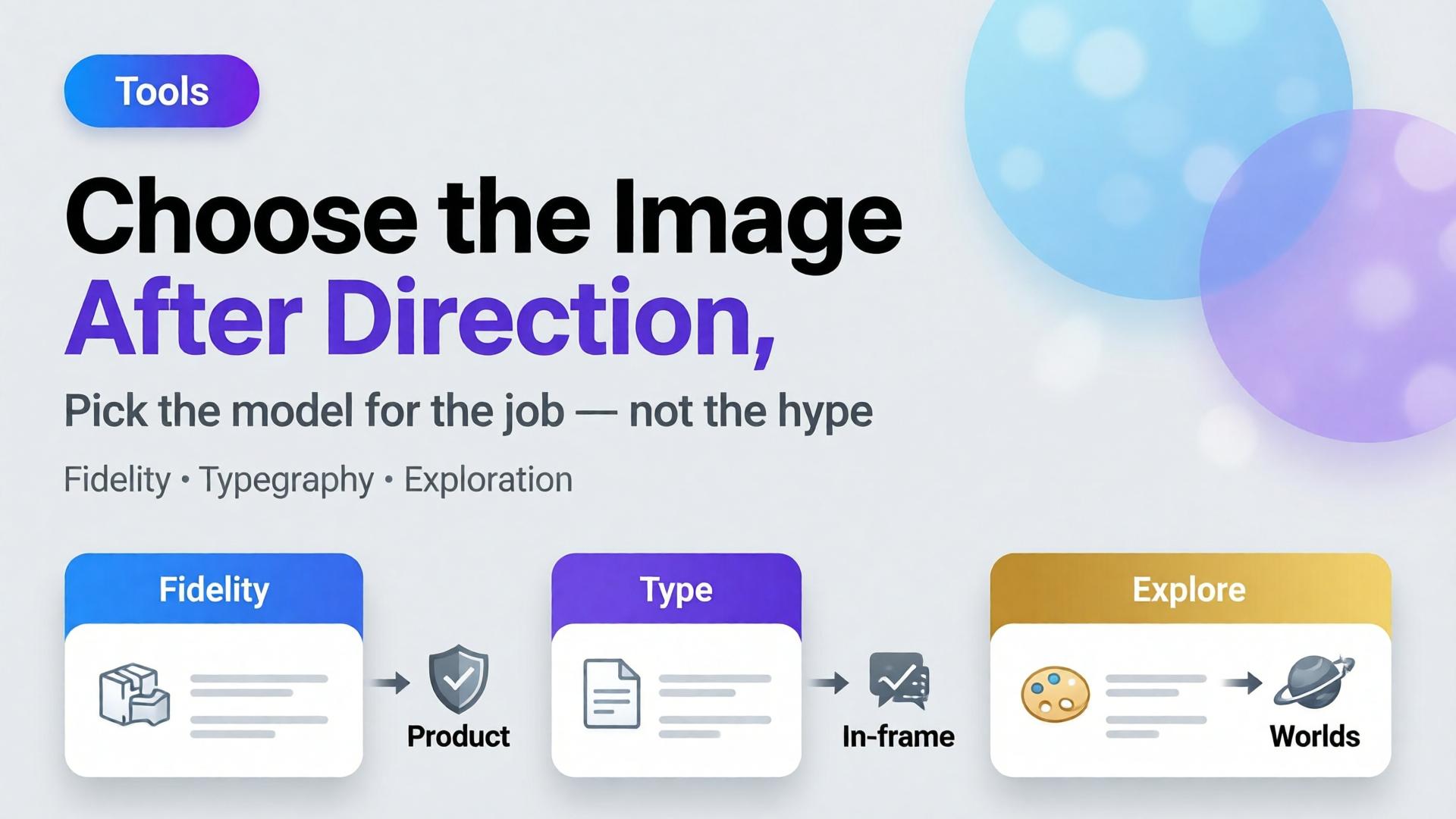
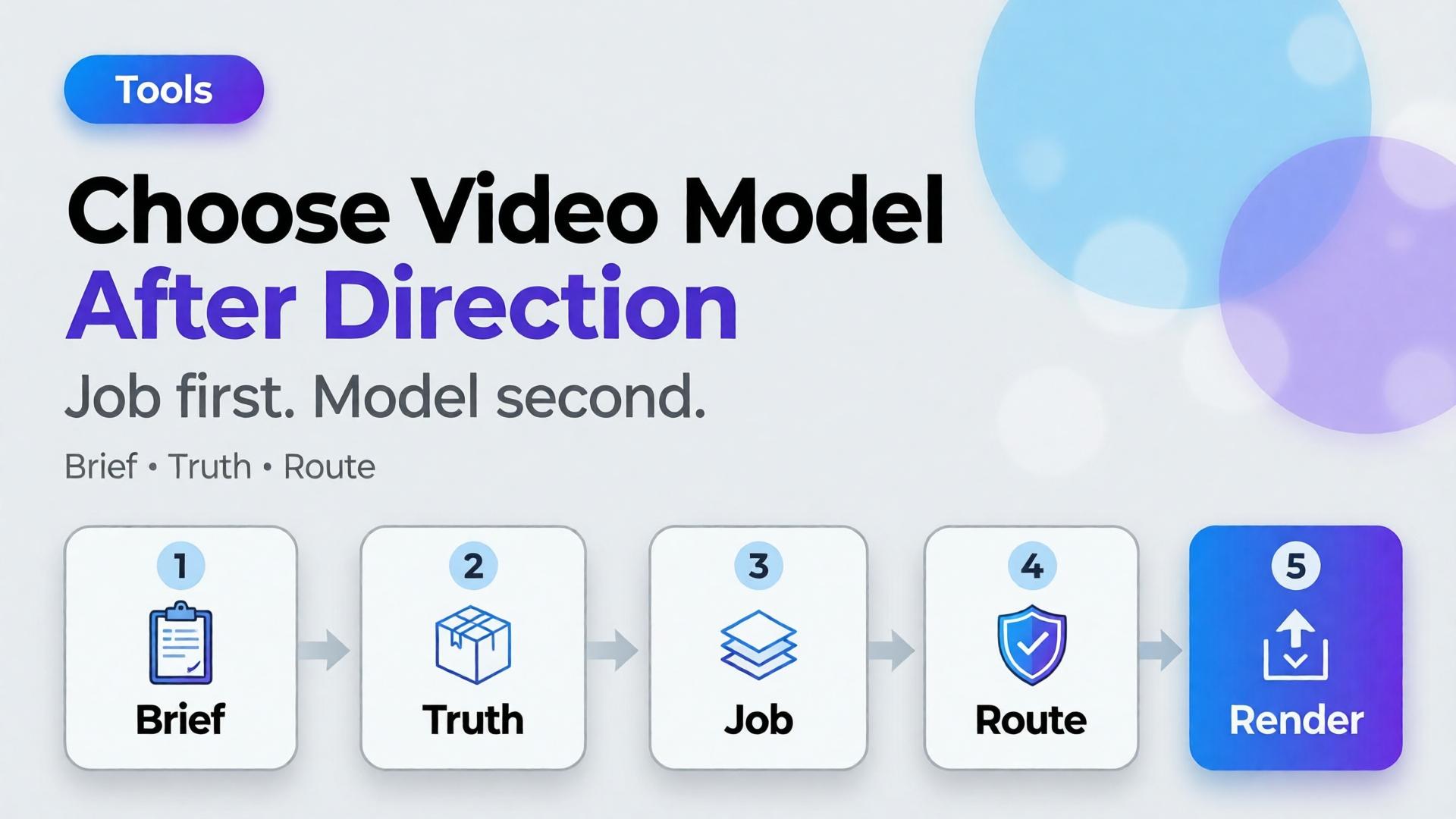
Choose the AI video model after creative direction. Model choice is a bottleneck decision — the same rule as choosing an image model, applied to motion.
Key Takeaways
>
– Video model debates fail when the job is undefined. Define scene job, duration, audio need, and product fidelity first.
– Adobe’s 2026 Creators’ Toolkit Report found 57% of creators still edit AI outputs moderately or extensively before publish — video is not exempt (Adobe, 2026).
– Match models to bottlenecks: cinematic continuity, product-locked motion, fast ad variants — not brand loyalty to a name.
– Direction tools first: 3-line brief + SCENE + TikTok Shop scene types.
Why Does “Which Video Model?” Come Too Early?
Because models are visible and briefs are invisible.
| Early question | Real question you skipped |
|---|---|
| Which model is best? | What job is the clip doing? |
| Who has the best motion? | Must the SKU stay label-true? |
| Who is cheapest per second? | How many variants do we need this week? |
| Who has native audio? | Do we need VO, SFX, or silent cutdowns? |
Teams that scatter tools feel busy. Teams that lock direction ship.
Video AI does not fail at “realism.” It fails at job fit. A gorgeous camera move that hides the product is still a failed ecommerce clip.
What Must Be Locked Before You Pick a Model?
1. Scene job
Borrow the Shop five if needed: hook / truth / demo / proof / offer. One clip, one primary job.
2. Product truth level
- Strict: label, geometry, color must hold (PDP, Shop card, compliance-adjacent)
- Flexible: mood and world matter more than micro-label (brand film, awareness)
3. Duration + cut plan
3s hook vs 15s demo vs 30s story. Model choice changes when you need many short variants vs one hero take.
4. Audio plan
Silent + caption, native generated audio, or bring-your-own VO. Do not discover this after render.
5. Source path
Text-to-video vs image-to-video from an approved still. Image-to-video inherits your packshot / hero still discipline.
Write these five lines. Then talk about models.
Bottleneck → Model Family (Not a Leaderboard)
Names change quarterly. Bottlenecks do not.
| Bottleneck | What you optimize | Typical fit (2026 pattern) |
|---|---|---|
| Cinematic camera language | Moves, lighting continuity | Strong generalist cinematic models |
| Product-locked motion | SKU fidelity from a still | Image-to-video with strict refs |
| Fast ad variant volume | Many hooks from one brief | Fast / cheaper motion models |
| Native audio sync | Dialogue / SFX in-model | Models with AV generation |
| Typography / UI in frame | On-screen text stability | Prefer post text or models strong at glyphs |
Treat the table as a routing sheet, not a forever ranking. Re-test when a new model drops — after the brief, not instead of it.
How Do Image and Video Choices Connect?
Bad video often starts as a bad still.
- Lock still with image-model discipline (after direction)
- Pass Truth gate on the still
- Only then image-to-video for Demo / Hook motion
- Keep Crop / cutdowns as a node, not a new identity
If the still fails label QA, no video model will “fix” it honestly.
Playbook: One Hour Before You Spend Credits
- Write 3-line brief + scene job
- Attach brand kit + product ref
- Decide strict vs flexible fidelity
- Pick path: T2V vs I2V
- Route to model family by bottleneck
- Generate 2–3 takes max before curator gate
- Edit for job — do not regenerate to avoid editing
Adobe’s edit-rate data is a reminder: plan the gate. Do not outsource judgment to the next seed.
Soft CTA
Explore motion and stills inside one creative workspace after direction is clear: Gallery · Studio Guide
Frequently Asked Questions
What is the best AI video model for ecommerce ads?
There is no universal best. The best model is the one that fits your bottleneck after creative direction — fidelity, speed, cinematic language, or audio.
Should I pick the video model before the image model?
No. Lock still direction and product truth first when the clip is product-led. Awareness films can start from text, but ecommerce usually should not.
Is image-to-video always safer for products?
Safer for identity when the still is approved. Not automatic — motion can still warp labels. Gate outputs.
How is this different from choosing an image model?
Same principle, different failure modes. Video adds duration, camera language, and audio. The order — direction before model — stays identical.
How many models should a team standardize on?
Usually one default per bottleneck, not one model for everything. Document the routing sheet so freelancers do not reinvent it weekly.
Conclusion
Veo vs Kling vs Seedance is a late question.
Job, truth level, duration, audio, source path — then model. Choose the AI video model after creative direction, the same way you choose image models after the brief. Direction is strategy. Models are routing.
References
- Adobe, 2026 Creators’ Toolkit Report, June 16, 2026. https://news.adobe.com/news/2026/06/creators-toolkit-report-2026
- Adobe, Inaugural Creators’ Toolkit Report (Adobe MAX 2025), October 28, 2025. https://news.adobe.com/news/2025/10/adobe-max-2025-creators-survey