Many teams try this stack:
- ChatGPT for briefs and copy,
- Canva for layout and crops,
- and “AI images from somewhere else” for visuals.
It works—until you scale.
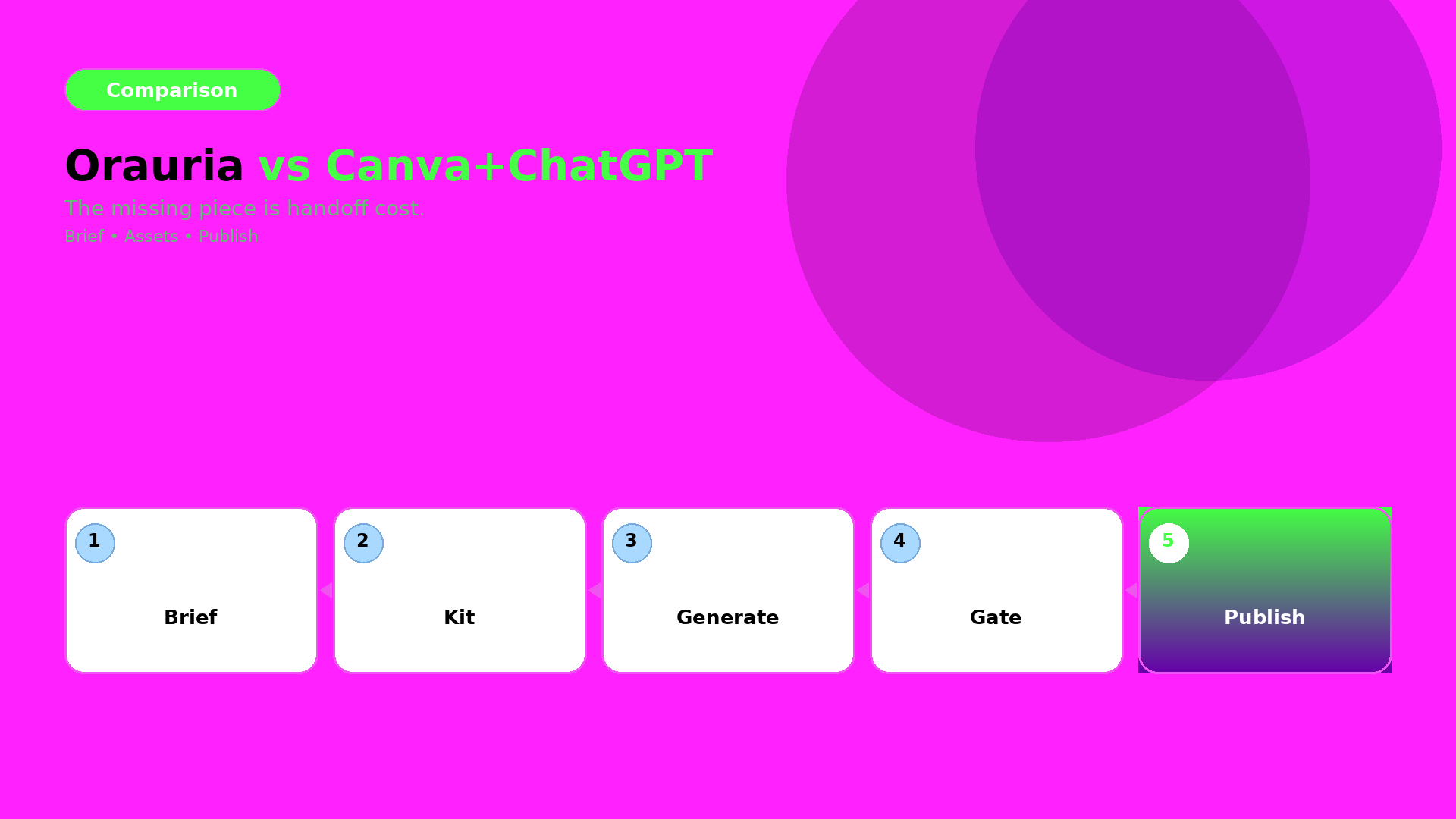
The failure point is not output quality. It is handoff cost.
Where Canva + ChatGPT excels
Canva is great for:
- quick crops,
- fast social templates,
- and design iteration when the direction is already locked.
ChatGPT is great for:
- brainstorming,
- first drafts of captions,
- and helping you write the brief.
Where the stack breaks in ecommerce production
When you go from one asset to a drop system, you need:
- a shared brand kit,
- consistent identity anchors,
- and QA gates across formats.
In a scattered stack, your system becomes “people remembering”. But production requires “rules enforcing”.
Orauria’s advantage: workflow continuity
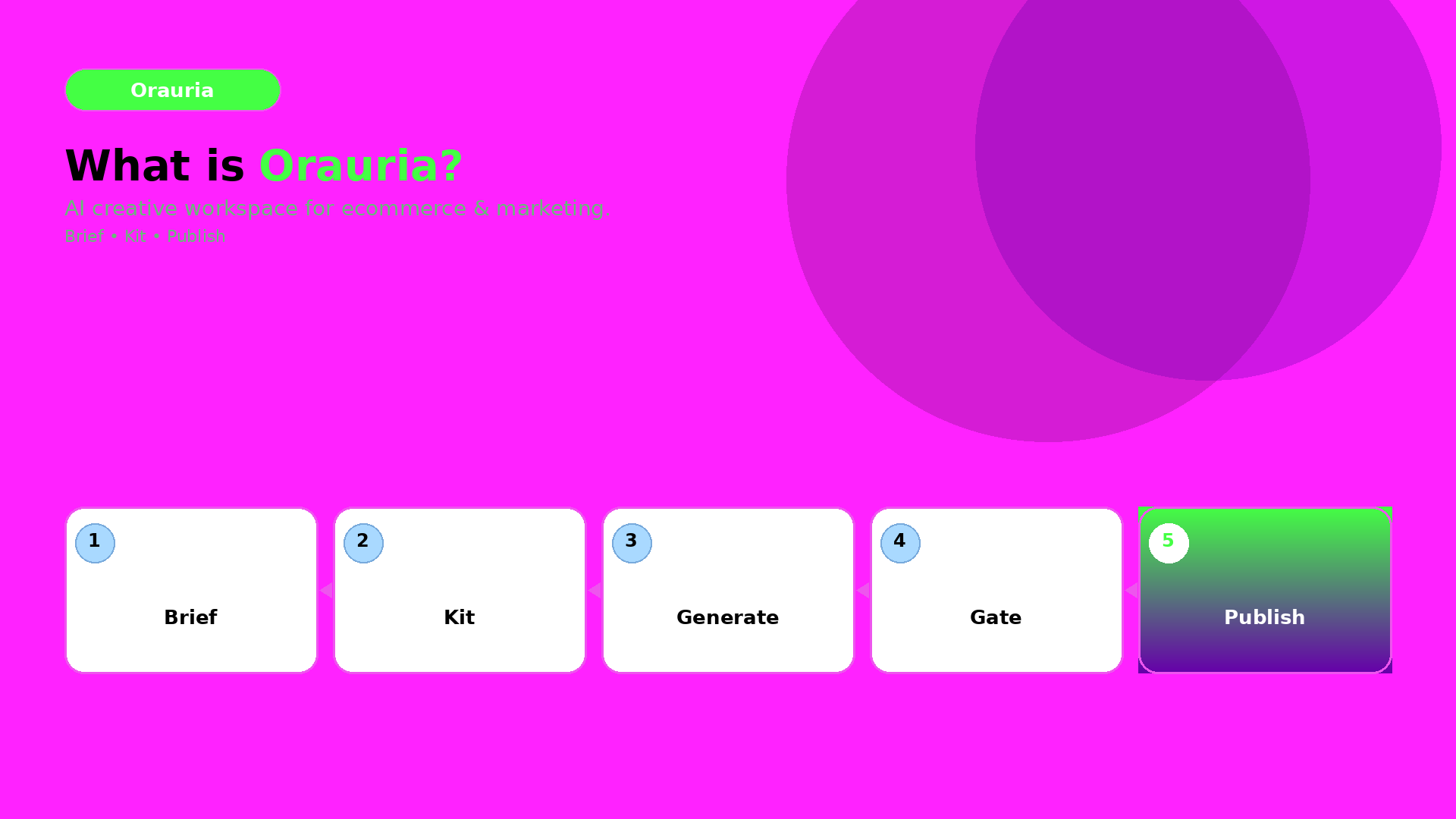
Orauria is built around the loop:
- Brief (intent + constraints),
- Brand kit (rules that must not change),
- Gates (QC checks before you upscale/export),
- Generate and route variants,
- Publish-ready exports for ads and listings.
This turns many outputs into one recognizable system.
The decision rule (when Orauria wins)
Orauria wins when:
- you need 10+ assets per campaign,
- you must preserve brand identity across sizes and channels,
- and you don’t have time to manually re-explain the brief every run.
If your process is “one designer, one asset, one export”, then Canva may be enough.
What to do next
If you are switching stacks, start with the mindset:
- brief once,
- lock kit once,
- enforce gates,
- then generate and publish.
For a workflow blueprint: