Attaching a reference image in Orauria Studio does not, by itself, guarantee that the next scene will still look like the same product. Identity slips when the prompt describes a new kitchen, a new gift box, or a new camera angle more loudly than it describes the object you need to keep.
This guide is a checklist for that problem. You will pick a clear reference, write identity constraints before you write the scene, generate with Image mode, Single, and TT Image 2.5, and compare the result to the reference before you reuse it. The running example is a fictional handmade cream vase with a painted sunflower band — a shape and a mark you can actually check. The vase is an illustration, not a live listing.
If you still need a written brief, start with Image to prompt in the AI Assistant Copilot – Orauria Chrome extension. If you will later run the same loop from a Shopify app, the Orauria MCP guide shows how to pass the reference in params.images and poll get_task.
What you need
| Item | Where it comes from | Notes |
|---|---|---|
| Orauria Studio | orauria.com/studio | Image mode, Single, TT Image 2.5 |
| A sharp reference photo | Your own product shot, or a shopper upload | One hero object, unobstructed, with a distinctive silhouette or mark |
| A written identity paragraph | You, or a rewritten Image to prompt brief | Describe what must stay the same before you describe the new scene |
| Credits for still images | Your Orauria wallet | A TT Image 2.5 still image is about 0.02 credits |
| The Chrome extension, optional | AI Assistant Copilot – Orauria | Useful if you first extract a style brief from another picture |
| Orauria MCP, optional | http://orauria.com/api/mcp |
Same model and reference idea, called from an app with generate_image |
Phase 1. Choose a reference that can actually be matched
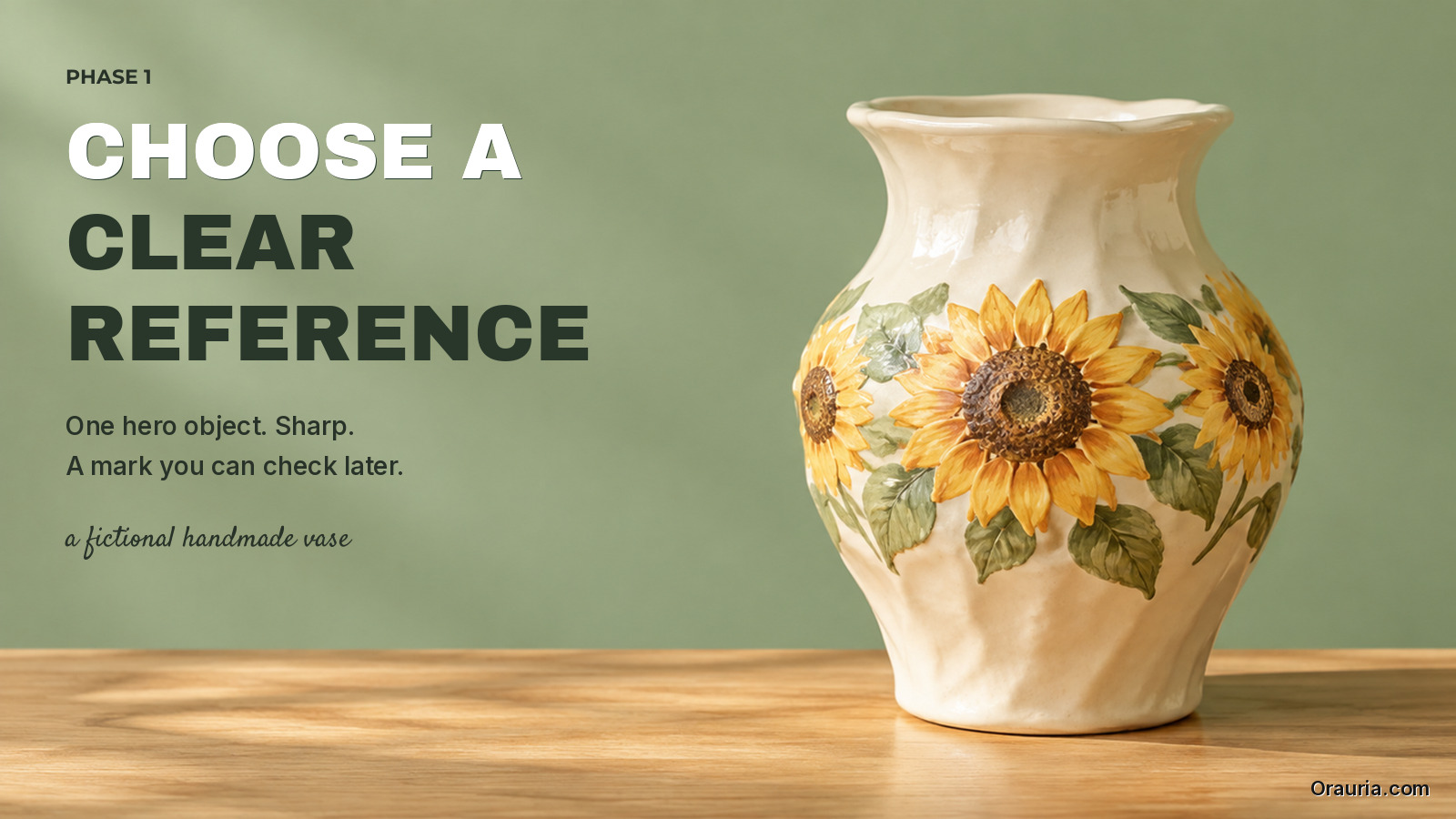
A weak reference makes a weak match. Choose one photo where the product is the hero: sharp, well lit, and not hidden behind hands, heavy props, or busy type. A distinctive silhouette helps — an uneven handmade rim, a unique handle, a painted sunflower band that you can count later.
Do not use a collage of five objects if you only need one of them to survive. A style pin can teach light and mood; the identity reference should be your object.
If the product will be printed, photographed, and then shown in a lifestyle scene, shoot or generate a clean catalog frame first. That clean frame becomes the reference for every later scene.
Phase 2. Lock identity in the prompt before you describe the scene
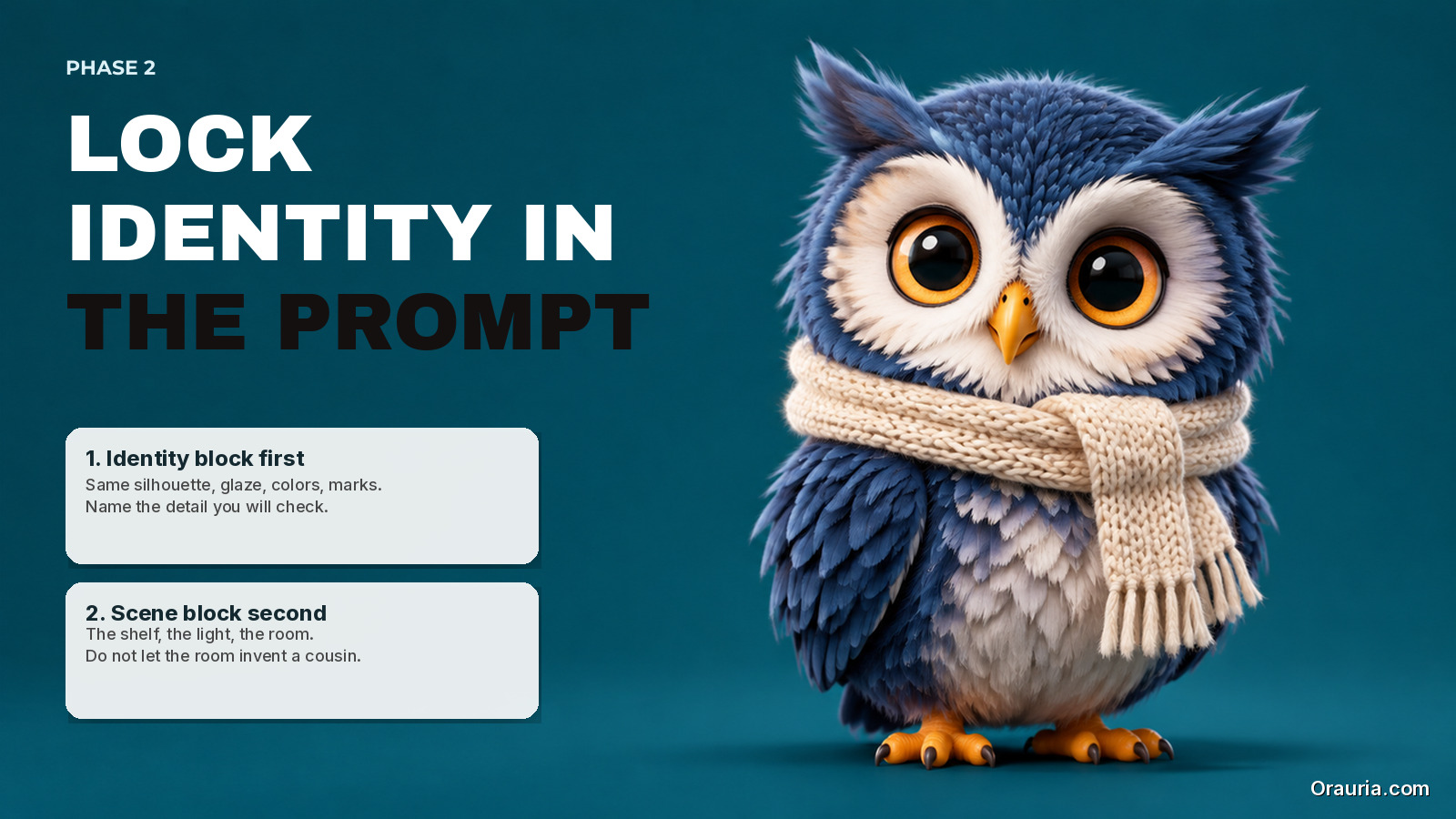
Write the prompt in two blocks, and put the identity block first.
The identity block should name the object as the same one as in the reference: the same silhouette, the same material and glaze, the same colors, the same painted marks. If a detail matters — a flared rim, a ring of sunflowers and sage leaves, a fox with a white chest — say so in plain language. Ask the model to keep that design clearly recognizable.
The scene block comes second: the kitchen shelf, the gift box, the window light. If you only describe the new room, the model has permission to invent a cousin of your product that fits the room better.
Also say what should not change into something else: no new patterns, no added typography, no swapped colors, no extra characters. Tight negatives are useful here. Loose ones are not.
Phase 3. Generate in Studio with the reference attached
In Studio, set Image mode, Single, and TT Image 2.5. Attach the clean reference. Paste the two-block prompt. Pick an aspect ratio that fits the new use (16:9 for a landscape lifestyle frame, 1:1 for a catalog tile).
TT Image 2.5 is listed with multi-image reference fusion and character consistency, and a single still image is about 0.02 credits (0.0208 on recent jobs). One setting to leave alone on the first retry is the reference itself: if identity fails, tighten the prompt before you swap in a different photo.
Phase 4. Compare the result to the reference, not to the scene
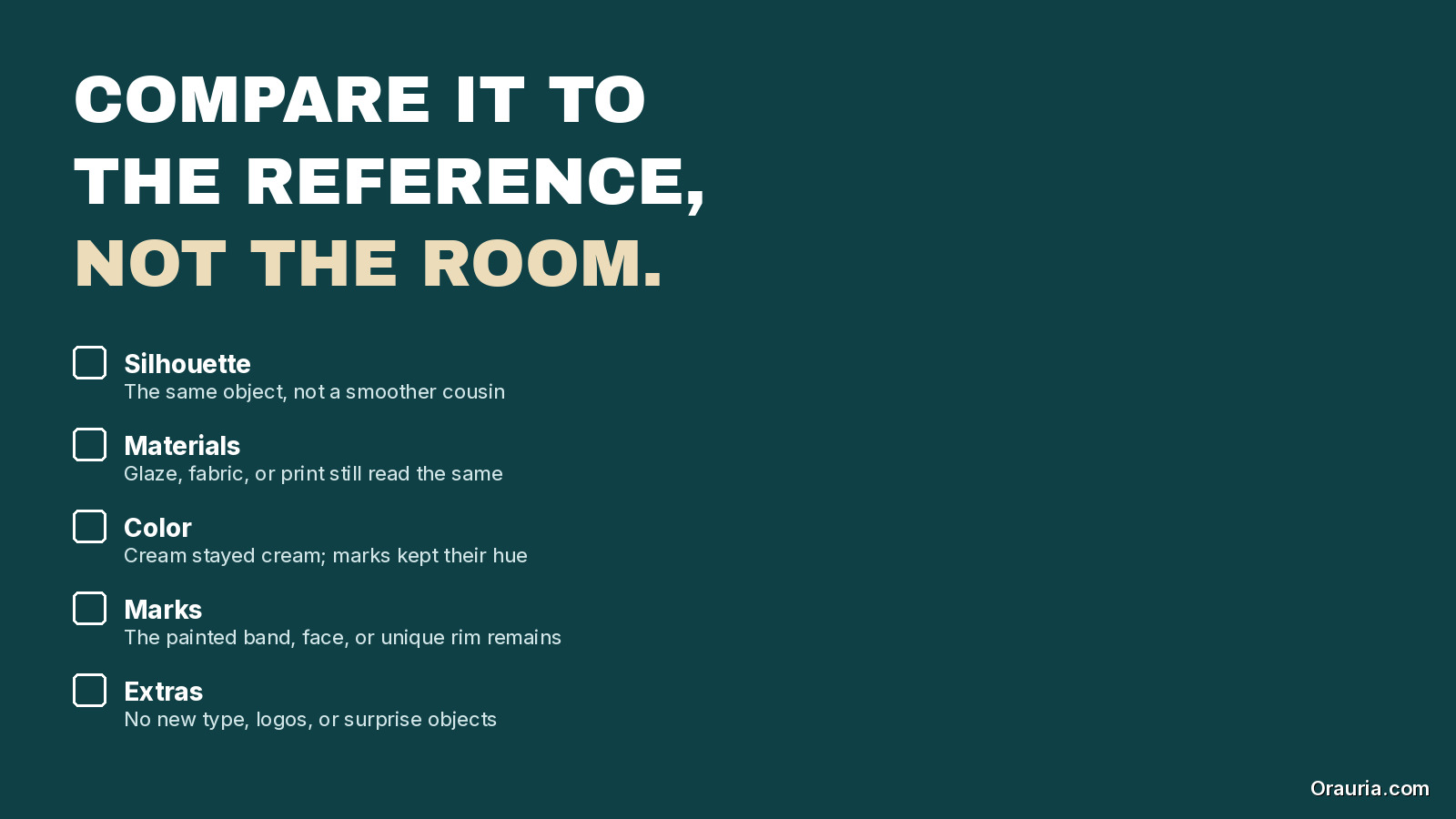
When the image comes back, put it next to the reference. Do not only ask whether the new kitchen looks nice. Walk a short checklist:
- Silhouette: is this the same object, or a smoother cousin?
- Materials: does the glaze, fabric, or print still read the same?
- Color: did a cream body drift to white, or a sunflower to a generic yellow?
- Marks: are the painted flowers, the character face, or the unique rim still there?
- Extras: did lettering, logos, or a second object appear that you did not ask for?
If two or more of those checks fail, do not use the frame in a set. A pretty lifestyle photo that shows the wrong product will quietly break a catalog.
Phase 5. When identity breaks, change one thing
The usual failure is not “the model cannot do this.” It is that too many variables moved at once: a new room, a new camera, a new prop, and a vaguer prompt.
On the retry, change one of those. Keep the same reference. Keep the same identity paragraph. Shorten the scene description if it is stealing attention. Mention the distinctive mark again, closer to the start of the prompt. Then generate once more and run the same checklist.
If you already call the model from an app, do not auto-fulfill a drifted result. Send it back through the rewrite, as the Shopify MCP guide recommends.
Phase 6. Build a set: the same product, a new scene
A catalog needs more than one frame: a clean product shot, a lifestyle shelf, a gift-box photograph. The point of a stable identity is that a shopper can tell they are still looking at the same object.
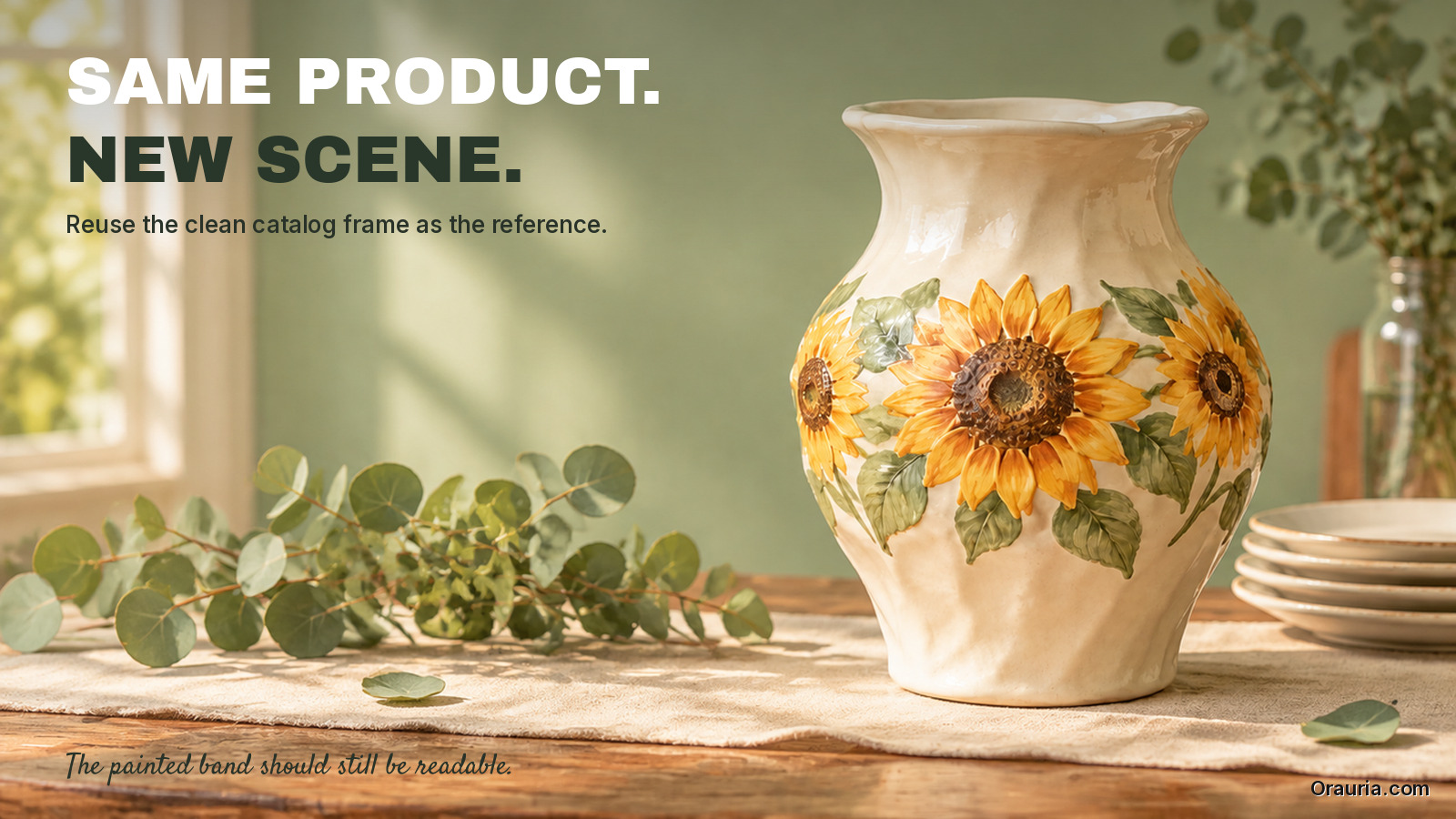
Generate the clean frame first. Use it as the reference for every later scene. Repeat the identity paragraph each time, and only rewrite the scene block. When a frame passes the checklist, keep both the image and the prompt that produced it, so the next scene has a known starting point.
The second illustration in this post is that idea in practice: the same sunflower vase, moved from a sage studio sweep onto a kitchen table, with the painted band still readable. It is an illustration of the method, not a claim about a live shop.
Practical notes
- One hero object per reference is easier to keep stable than a crowded still life.
- Put identity language first in the prompt, and keep it there on every retry.
- A TT Image 2.5 still image is about 0.02 credits; a retry costs another credit, so review before you click again.
- The Chrome extension is for extracting or refreshing a brief, not a substitute for attaching the product reference in Studio.
- When you call the same model through MCP, pass the reference URL in
params.imagesand write the same two-block prompt. - Disclose AI-generated artwork when you use it commercially, and do not treat a style pin as the identity reference for a product you sell.
FAQ
Why did my product change even though I attached a reference?
The reference is a guide, not a lock. If the prompt spends most of its words on a new scene, the object is the part most likely to drift. Put the identity paragraph first and compare the result to the reference.
Which Studio settings does this guide use?
Image mode, Single, and TT Image 2.5, with the reference attached. TT Image 2.5 is listed for reference-image fusion and character consistency. Other models may also accept references — check list_models or the Studio composer before you switch.
Can I use a Pinterest pin as the identity reference?
Use a pin as a style teacher, then attach your product or character as the identity reference. That split is the point of the Image to prompt guide in this series.
How do I do this from a Shopify app?
Call generate_image at http://orauria.com/api/mcp with the prompt and params.images, then poll get_task until is_final is true. Keep a human check on identity before you fulfill.
How much does a retry cost?
Each TT Image 2.5 still image is about 0.02 credits. Image to prompt, if you run it again to refresh a brief, is about 0.06 credits.
What if I need several products in one campaign?
Give each product its own clean reference and its own identity paragraph. Do not ask one reference photo to stand for a whole catalog.
Start here
Take one product you already have a clean photo of. In Orauria Studio, set Image mode, Single, and TT Image 2.5, attach that photo, and write a two-block prompt: identity first, a new scene second. Generate once, run the checklist, and only then build the next frame.
Install AI Assistant Copilot – Orauria if you still need a style brief from a reference picture. When you are ready to run the same identity loop on an order, use How to Call the Orauria MCP from a Shopify App.