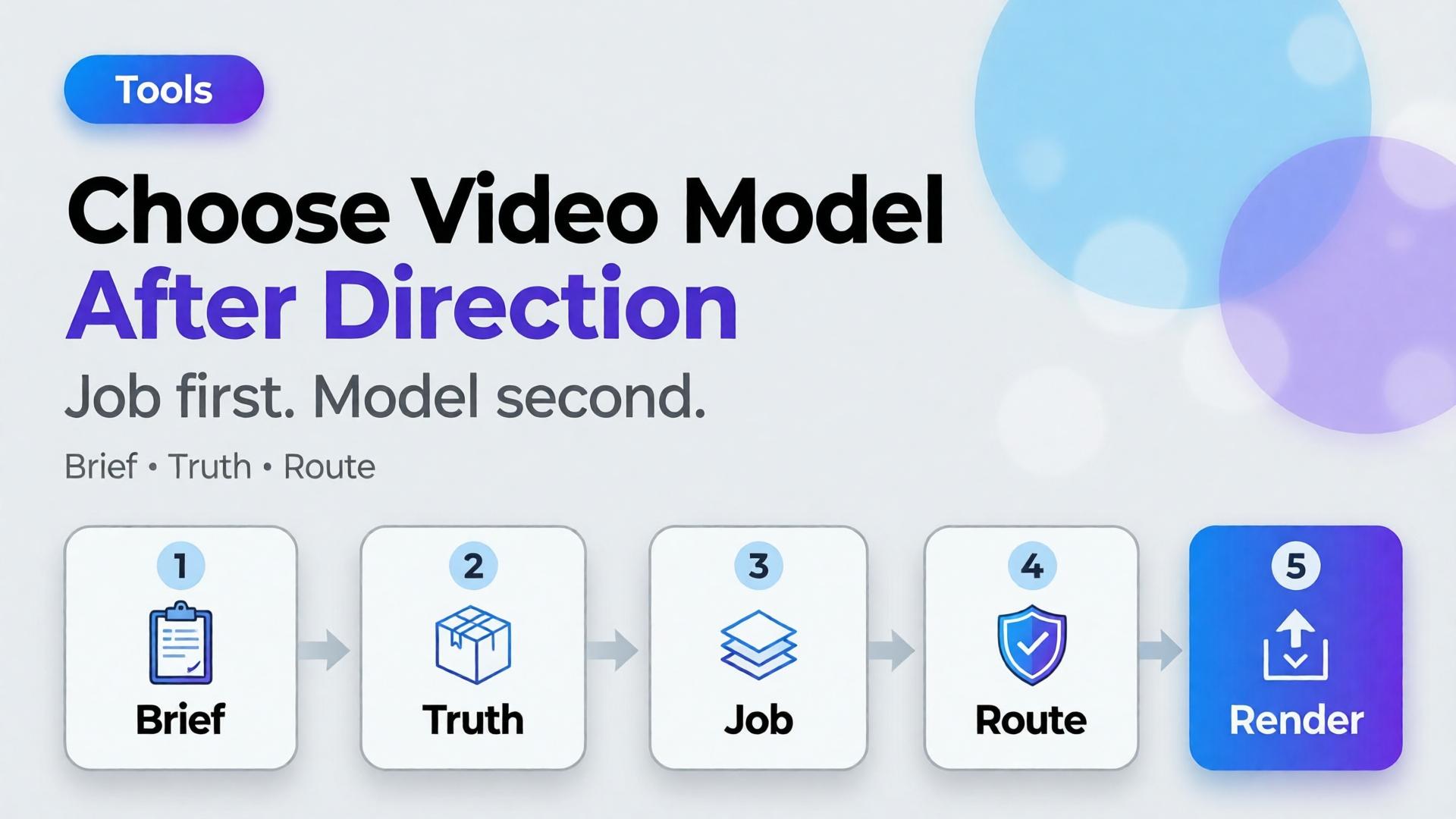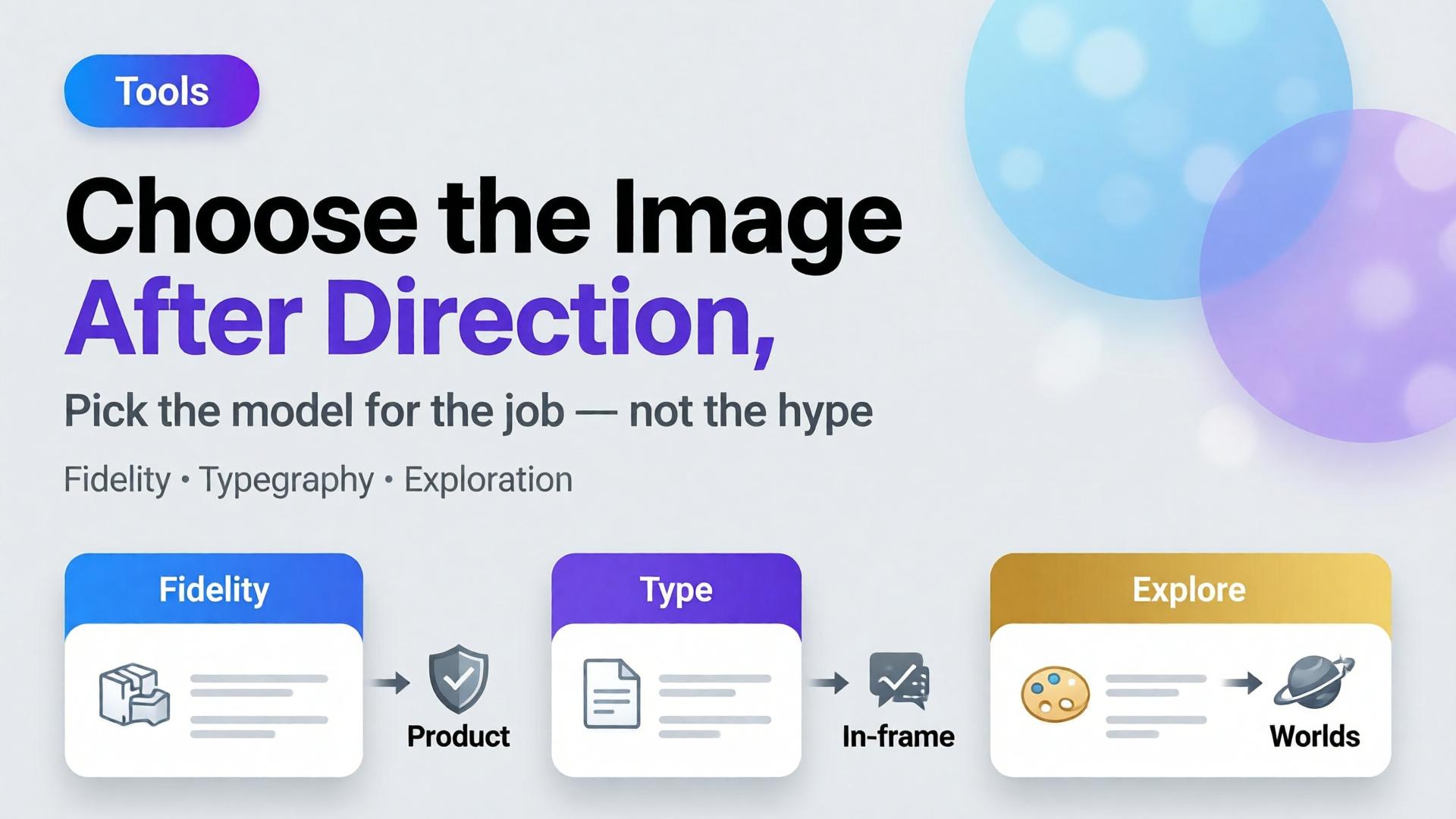
Model choice is not a “which one is best” question.
It is a routing question.
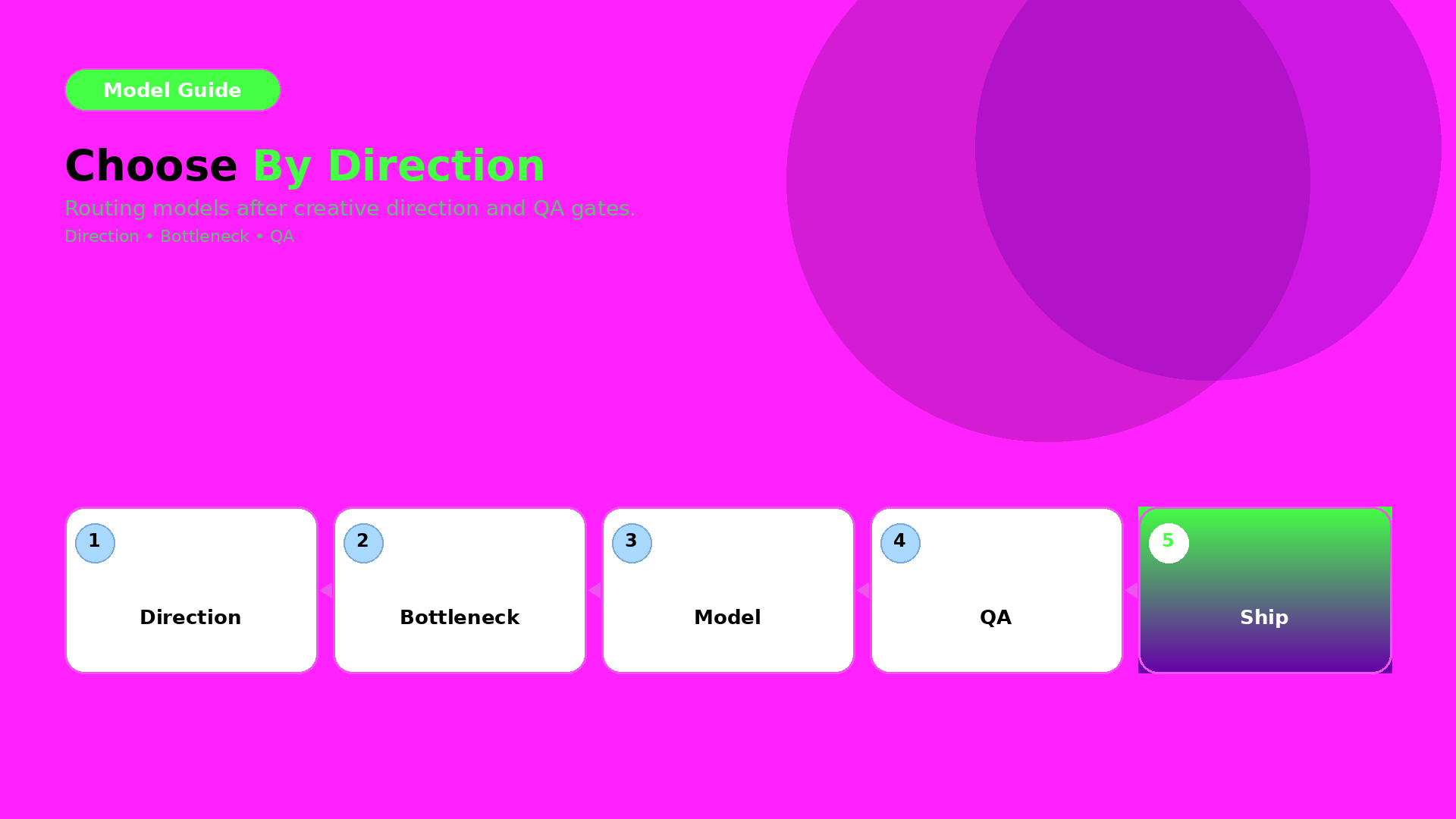
Route by creative direction and bottleneck after your QA gates are defined. Then the model becomes an implementation detail—not a gamble.
Key Takeaways
– Creative direction defines what must stay true (world + roles + QC gates).
– The bottleneck defines what the model must solve for you.
– Pick the model after you lock direction—then test under the same gates.
Step 1 — Lock direction first (inputs you must keep constant)
Before you compare models, lock:
- world promise (light family + palette logic),
- identity anchors (faces/characters or texture cues),
- and your QA gates (geometry truth + readability).
If direction changes while models change, you learn nothing.
Step 2 — Identify your bottleneck type
Most ecommerce issues fall into one of three bottleneck types:
- Geometry bottleneck: edges, proportions, product silhouette
- Texture bottleneck: materials, labels, stitching cues
- Readability bottleneck: text/label clarity after resize
Your model should be selected based on the bottleneck you actually see.
Step 3 — Route outputs through QA gates
Don’t decide by what the image “feels like”. Decide by pass/fail:
- geometry truth gate,
- readability gate,
- world continuity gate (shadow family + tone),
- and offer tone gate (if your copy implies a different promise).
A practical routing checklist
Use this checklist whenever a new model trend appears:
- What bottleneck are we solving today?
- Are direction + gates unchanged?
- Can we compare on the same output formats (1:1, 9:16, listing)?
- Are we rejecting failures early (before polish)?
If yes: test models. If no: fix the direction kit first.
What to do next
Start with the direction-after rule:
Then upgrade routing to bottleneck-first:
- pick the model by QA evidence,
- and keep your gates constant.