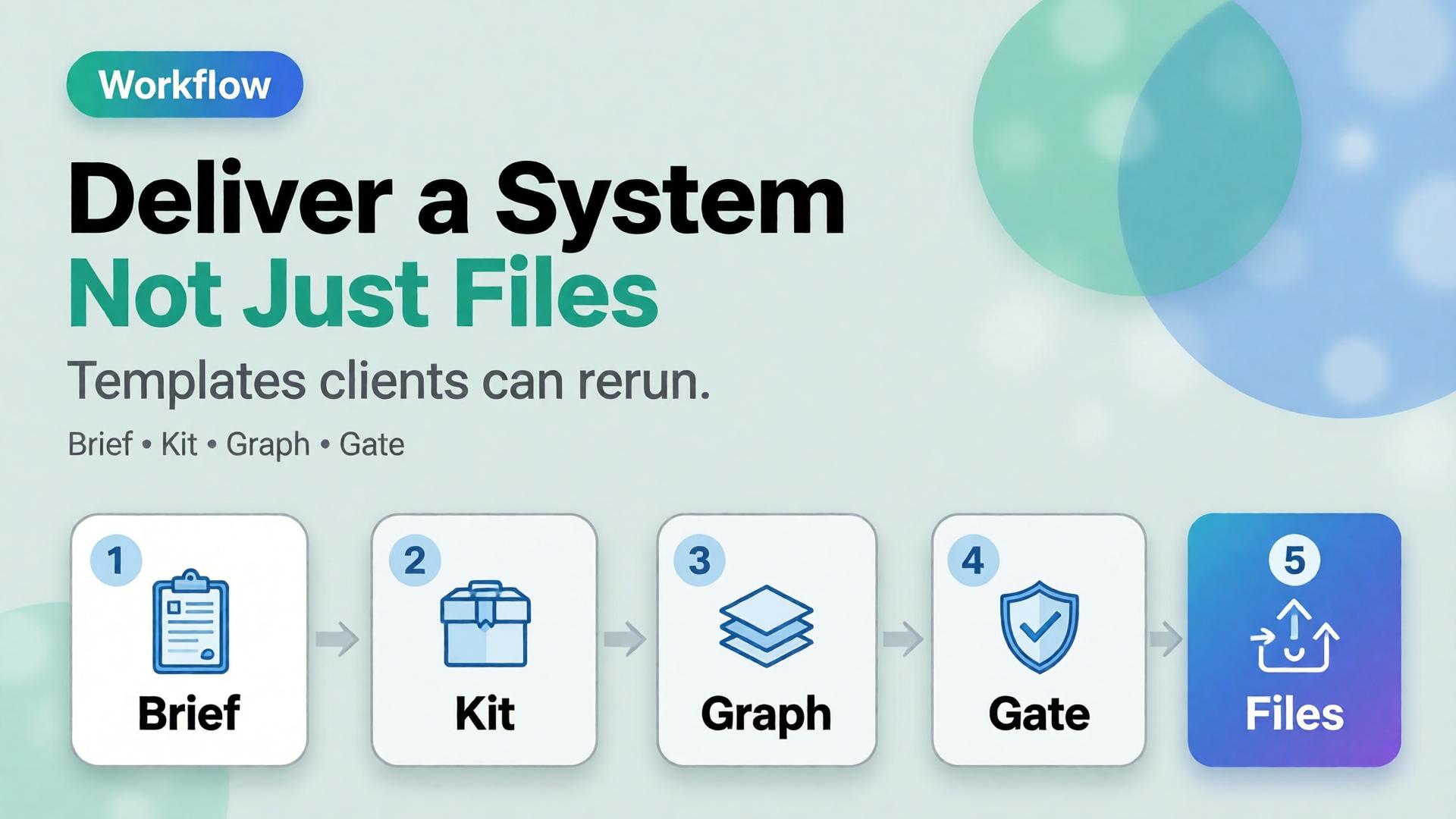
Freelancer Playbook: One Workflow Template for Five Clients
The freelance trap in AI creative work is not bad clients. It is rebuilding the pipeline from zero every Monday.
Client A wants lifestyle product shots. Client B wants lookbook scenes. Client C sends a phone photo and needs a campaign by Thursday. You open three different tools, three different folder structures, three different prompt habits — and bill for hours of setup you cannot charge for.
An AI freelance design workflow should work like a production template, not a one-off experiment. One spine. Five brand slots. Same curator discipline. Different 3-line briefs, same nodes.
Key Takeaways
>
> – One template = fixed pipeline stages + swappable client slots (brief, references, brand style, output formats).
> – Adobe's 2026 Creators' Toolkit Report found 60% of creators used more than one creative AI tool in three months — freelancers who survive that chaos run one workflow, not one tool per client (Adobe, 2026).
> – 85% insist the final creative decision must remain theirs — your template should separate explorer (generate) from curator (approve), not collapse both into one tired freelancer at midnight (Adobe, 2026).
> – Charge for the system handoff, not just the image folder. The template is a deliverable.
If you have read Phone Photo to Campaign, you know the five-stage mindset: Capture → Clean → Direct → Extend → Adapt. This playbook is the freelancer layer on top — how to run that pipeline five times without five mental resets.

Why Do Freelancers Rebuild Workflows Per Client?
Three habits eat margin:
1. Client-shaped folders, not workflow-shaped folders. Every job starts as ClientName_Final_v3_NEW. No saved nodes. No reusable SCENE grid. Next launch, you reverse-engineer your own process from screenshots.
2. Tool-shaped workflows, not deliverable-shaped workflows. Midjourney for exploration, another tool for upscale, another for crop. Each client picks a different stack because you never standardized what the pipeline produces.
3. Generation without curation. Adobe reports 57% of creators say AI outputs need moderate or extensive editing before publish (2026). When one person generates and approves in the same session, quality drifts — and the brand consistency trap shows up on invoice day.
What Is the One-Template, Five-Client Model?
Think of your workflow as a film production kit — same crew, same call sheet structure, different cast and location each shoot.
| Layer | Fixed (template) | Swappable (per client) |
|---|---|---|
| Pipeline stages | Capture → Clean → Direct → Extend → Adapt | — |
| Brief format | 3-line brief + SCENE rows | Buyer, world, close |
| Reference pack | Upload slot, naming rules | Product shots, brand refs |
| Brand style | Guardrail node | Palette, light logic, no-go list |
| Scene set | 4–8 scene node pattern | Context rows per SKU |
| Output matrix | Channel crop presets | PDP, social, email sizes |
| Curator gate | Approve before export | Client sign-off rules |
You build this once. Each new client fills the swappable column — not the pipeline.

What Does the Master Template Look Like?
Name it something boring and reusable: SKU_Launch_v1 or Lifestyle_Pack_v2. Boring names survive client churn.
Stage 1 — Intake (15 minutes, billable)
- Collect phone or studio references
- Write 3-line brief with client
- Confirm channel list (PDP, Meta 4:5, email hero, etc.)
Stage 2 — Clean (reference truth)
- Normalize uploads — geometry, label, color accuracy
- Same cleanup settings per product category (beauty vs fashion vs FMCG)
- Lock reference before any scene generation
Stage 3 — Direct (SCENE)
- Expand brief into 4–6 SCENE rows
- One row = one scene node
- Light logic from Line 2 of brief applies to every row
Stage 4 — Extend (generate + curate)
- Run scene nodes in explore or reference mode per job (reference vs explore guide)
- Curator pass: reject orphans, keep same-world set
- Never export first batch unreviewed
Stage 5 — Adapt (channel export)
- Crop and format per agreed matrix
- Deliver folder + saved workflow template
- Optional: Loom walkthrough of how to rerun
That is your AI freelance design workflow skeleton. Client five uses the same skeleton. Only the brief and references change.
How Do Five Different Clients Fit One Template?
Here is a realistic week — five clients, one template:
| Client | Category | Reference input | Brief emphasis | Scene count | Mode |
|---|---|---|---|---|---|
| A — DTC serum brand | Beauty | Phone shelf shots | Morning ritual, calm | 5 | Reference-heavy |
| B — Indie fashion label | Fashion | Lookbook flat lay | Urban commute world | 8 | Explore → lock |
| C — Ceramic homeware SME | FMCG | Phone desk shot | Unhurried warmth | 4 | Reference |
| D — Agency white-label | Mixed | Client pack per SKU | Their mandatories | 6 | Reference |
| E — Personal brand coach | Service | Portrait + props | Authority + approachability | 4 | Explore |
Same template. Different slot values. You are not learning five workflows — you are configuring five instances.

For fashion Client B, cross-check worlds against lookbook thinking. For beauty Client A, use beauty context mapping so morning scenes are not generic stock.
What Should Your Folder Structure Look Like?
Workflow-shaped beats client-shaped:
/workflow-templates/
  SKU_Launch_v1/
    00-brief-template.md
    01-scene-grid-template.csv
    02-output-matrix.pdf
/clients/
  client-a-serum/
    references/
    briefs/
    approved-exports/
  client-b-fashion/
    ...
Rule: templates live outside client folders. Clients get instances, not forks. If you copy-paste the whole pipeline per client, you will maintain five divergent messes by month two.

How Do You Onboard a New Client in One Session?
Kickoff agenda (45 minutes):
- Deliverable definition — What does "done" look like? (images only vs system handoff)
- 3-line brief — Fill together live; client leaves with alignment
- Reference rules — What they send, how they name files, what you reject
- Brand guardrails — Palette, light, no-go clichés (marble bathrooms, neon gradients)
- Curator protocol — Who approves, how many revision rounds, turnaround SLA
- Template preview — Show saved workflow; explain what they get at handoff
Bill this session. It is creative direction, not admin.
When Do You Fork the Template vs Keep One Spine?
| Situation | Keep one template | Fork a variant |
|---|---|---|
| New client, same product-photo job | ✅ | — |
| Client needs video nodes later | — | Add SKU_Launch_v1_video |
| Enterprise legal mandatories | ✅ spine + appendix doc | — |
| Completely different deliverable (logo only) | — | Separate template family |
| White-label agency batch (100 SKUs) | ✅ | Scale scene nodes, not pipeline |
Fork variants, not clients. SKU_Launch_v1 and Lookbook_8Scene_v1 are siblings. ClientB_special_FINAL is technical debt.
What Should Freelancers Charge For?
Most underprice generation and give away the system.
| Line item | What client buys |
|---|---|
| Discovery + 3-line brief | Direction and alignment |
| Production run | Curated image set |
| Workflow handoff | Saved template they can rerun |
| Retainer | Monthly slot in your template queue |
The handoff is why AI ecommerce design beats "10 AI images" as a pitch — you are selling repeatable commercial creative, not a folder of renders.

What Breaks Multi-Client Templates?
| Failure | Symptom | Fix |
|---|---|---|
| No curator gate | Every client set looks like a different freelancer | Fixed approve step before export |
| Client-shaped prompts | Cannot reuse anything | Prompts live in scene nodes, not chat history |
| Skipping brief | Pretty orphans per client | 3-line brief mandatory |
| Tool sprawl | Lost files across five logins | One workspace or strict export naming |
| No output matrix | Friday crop panic | Define channels in Stage 1 |
When consistency breaks across clients, the failure mode is the same as brand consistency trap — you skipped direction and curation, not AI capability.
How Does This Connect to Node Thinking?
This playbook is the operating model. Node thinking (coming soon) is the infrastructure — Upload → Brand Style → Generate → Upscale → Crop as reusable nodes in a builder.
On Orauria-style platforms:
- Build
SKU_Launch_v1once with explicit nodes - Duplicate workflow → rename client instance
- Swap reference pack + brand style slot
- Run → curate → export → hand off duplicate
Client six onboards in an afternoon, not a rebuild week.
Run one template across clients on Orauria: Try Orauria
Frequently Asked Questions
Can one template really work for beauty and fashion clients?
Yes, if the pipeline stages are fixed and only scene content changes. Beauty and fashion differ in SCENE rows and references — not in Capture → Adapt logic.
How many clients can one freelancer run on one template?
Depends on curator capacity, not AI speed. Most solo freelancers stabilize at 4–6 active retainers when the template is real — not at 15 chaotic one-offs.
Should each client get their own AI tool login?
Prefer one workspace with client-separated folders and brand style slots. Multiple logins multiply handoff errors.
What if a client insists on their own workflow?
Deliver in their format if required — but run your template internally. Export finals to their spec; keep your spine for margin.
Is the workflow template really a billable deliverable?
Yes. Clients pay for independence — the ability to rerun launches without you. Price it as a productized add-on.
How does this differ from the 3-line brief article?
The 3-line brief is what to decide per job. This playbook is how to run five jobs without rebuilding how you work.
Conclusion
Freelancers do not need five workflows for five clients. They need one template with five configuration slots — brief, references, brand style, scenes, exports.
Build the spine once. Onboard clients into it. Curate before export. Hand off the template as part of the deliverable.
The competitive edge is not prompting faster. It is shipping the same reliable system — client after client — without starting from zero every Monday.
References
- Adobe, 2026 Creators' Toolkit Report, June 16, 2026. https://news.adobe.com/news/2026/06/creators-toolkit-report-2026
- Adobe, Inaugural Creators' Toolkit Report (Adobe MAX 2025), October 28, 2025. https://news.adobe.com/news/2025/10/adobe-max-2025-creators-survey