
買い手が求めるアングルが欠けている
マーケットプレイスはヒーロー1枚では転換しません。信頼の前に背面、3/4、ディテール、パッケージが欲しいのです。欠けると未完成に見え、SKUごとに撮り直すほど公開は遠のきます。
マーケットプレイスはヒーロー1枚では転換しません。信頼の前に背面、3/4、ディテール、パッケージが欲しいのです。欠けると未完成に見え、SKUごとに撮り直すほど公開は遠のきます。
外注と仕入写真はホワイトバランスも影も揃いにくいです。PDPで並ぶとパッチワークに見え、プロ感が落ちます。Brand Style と共通プロンプトでパックショットを統一し、全SKUを一つのブランドに見せられます。
パックショット待ちは広告、A+、季節施策を一番熱い時期に止めます。MDと媒体は数時間で出品可能なアングルが必要です。PDP・キャンペーン・テストを同じスプリントで回し、2週間の撮影待ちに縛られないためです。
Drop a clear product photo into Studio or a Workflow Start / Image Input node.
Use Shot Prompt Planner in packshot mode to build a shot list (angles, props, background).
Run Generate Image per shot, review, then upscale winners for marketplace resolution.
Workflow agent ideas wire Brand Style → Shot Planner → Generate Image for each angle.
Clean backgrounds, controlled props, and listing-friendly compositions.
Use Studio batch mode when you need many variations of the same SKU concept.
A footwear seller uploads a single side-view photo. Shot Planner creates front, 3/4, sole detail, and lifestyle-lite angles. After generation, Upscale prepares Amazon-ready resolution.
AI packshots are excellent for drafts, testing, and many live listings, but you should review for accuracy on materials, logos, and fine text. High-stakes brand campaigns may still use photography for hero SKUs.
Use clear references and review outputs carefully. For beauty/packaging, prefer modes that emphasize label preservation and edit with Inpaint if needed.
Studio exposes available image models from Orauria’s catalog (including major providers). Pricing is shown before generate.
ソリューション
EC向けバッチパックショット
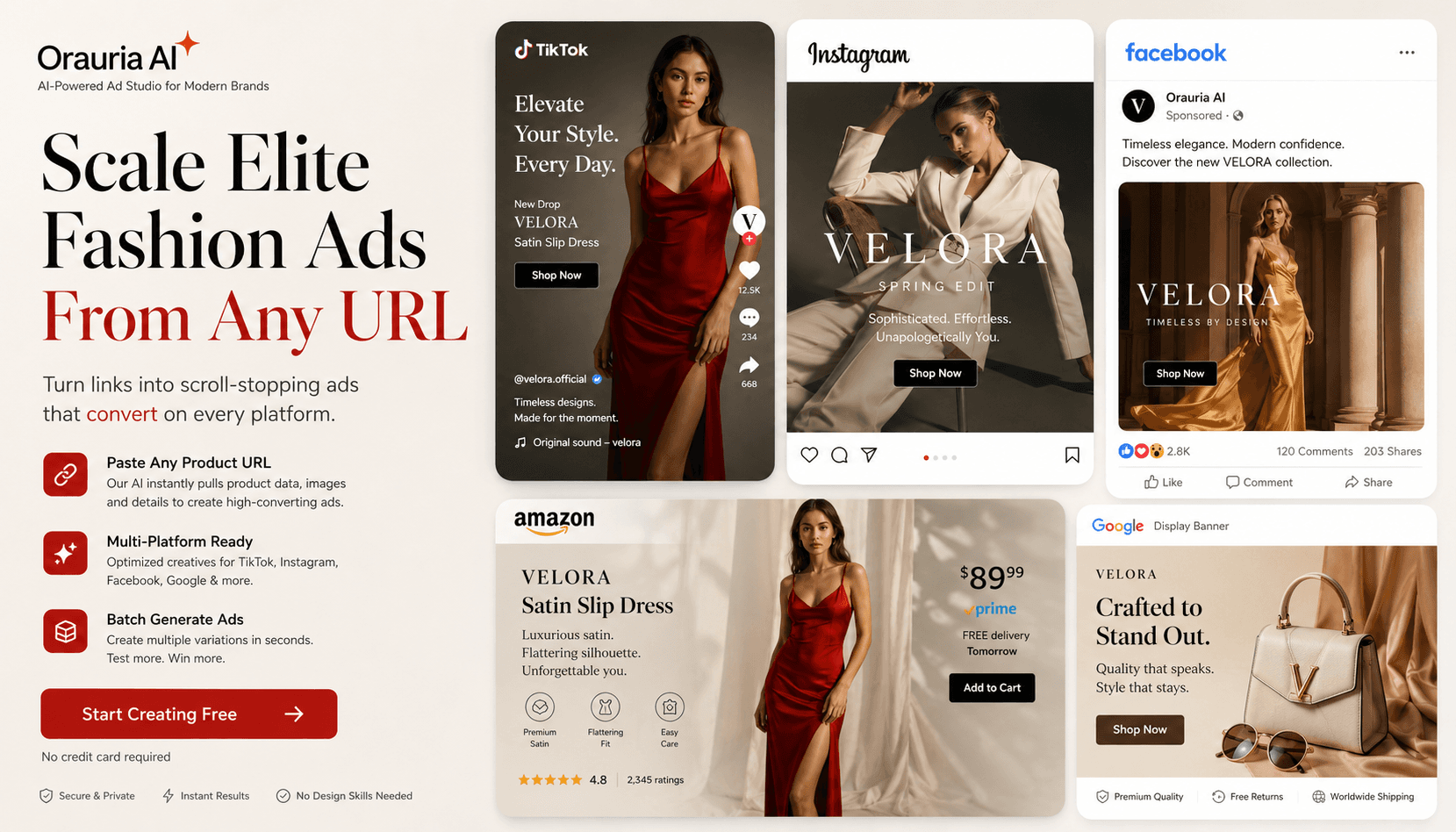
1枚の商品写真から多角度パックショットを一括生成。Shopee、Lazada、Amazon、Facebook、Instagram の出品を加速 — Orauria Studio。
Create
Pose Fashion — ポーズパックから衣装ルックブック
Orauria Fashion Poses で複数の衣装を共通ポーズパックに着せ、アパレル EC 向けリスティング画像をバッチ生成。
Optimize
EC 背景除去とカタログ整備
Orauria Workflow で背景除去、アップスケール、クロップ — 出品可能な切り抜きを準備。
Create
AI マーケットプレイス&広告バナー
Orauria Studio でフィード・ストーリー・カバー向け比率の EC 広告バナーを作成。