
1枚では出品ギャラリーは埋まらない
Shopee、Lazada、Amazon、Facebook、Instagram は正面・側面・ディテール・ライフスタイルなど多角度を評価します。仕入 JPG 1枚ではほぼ足りません。再撮影を待つ間に競合は充実した PDP を公開し、信頼とクリックを先に取ります。
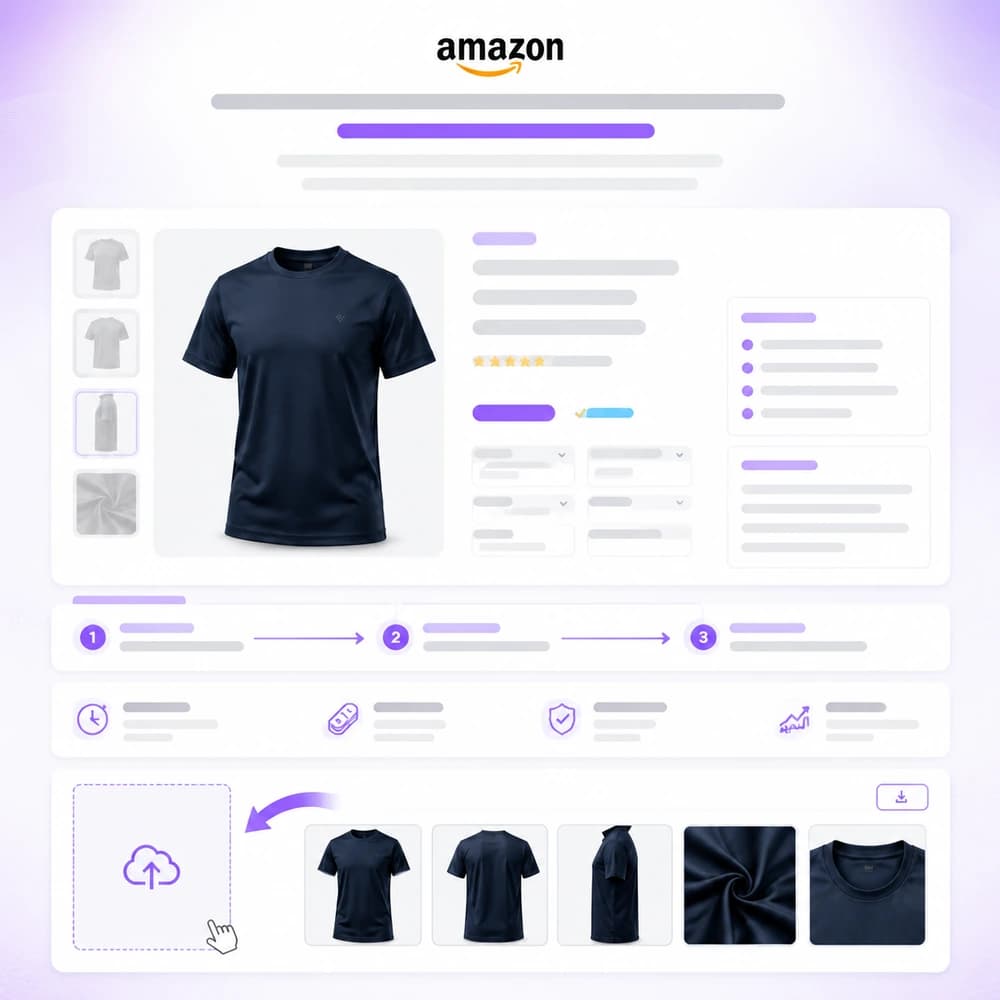
出品者はSKUごとに多角度が必要です。商品写真を1枚アップロードし、パックショット一式をバッチ生成。バナーや広告にも再利用 — 再撮影不要。
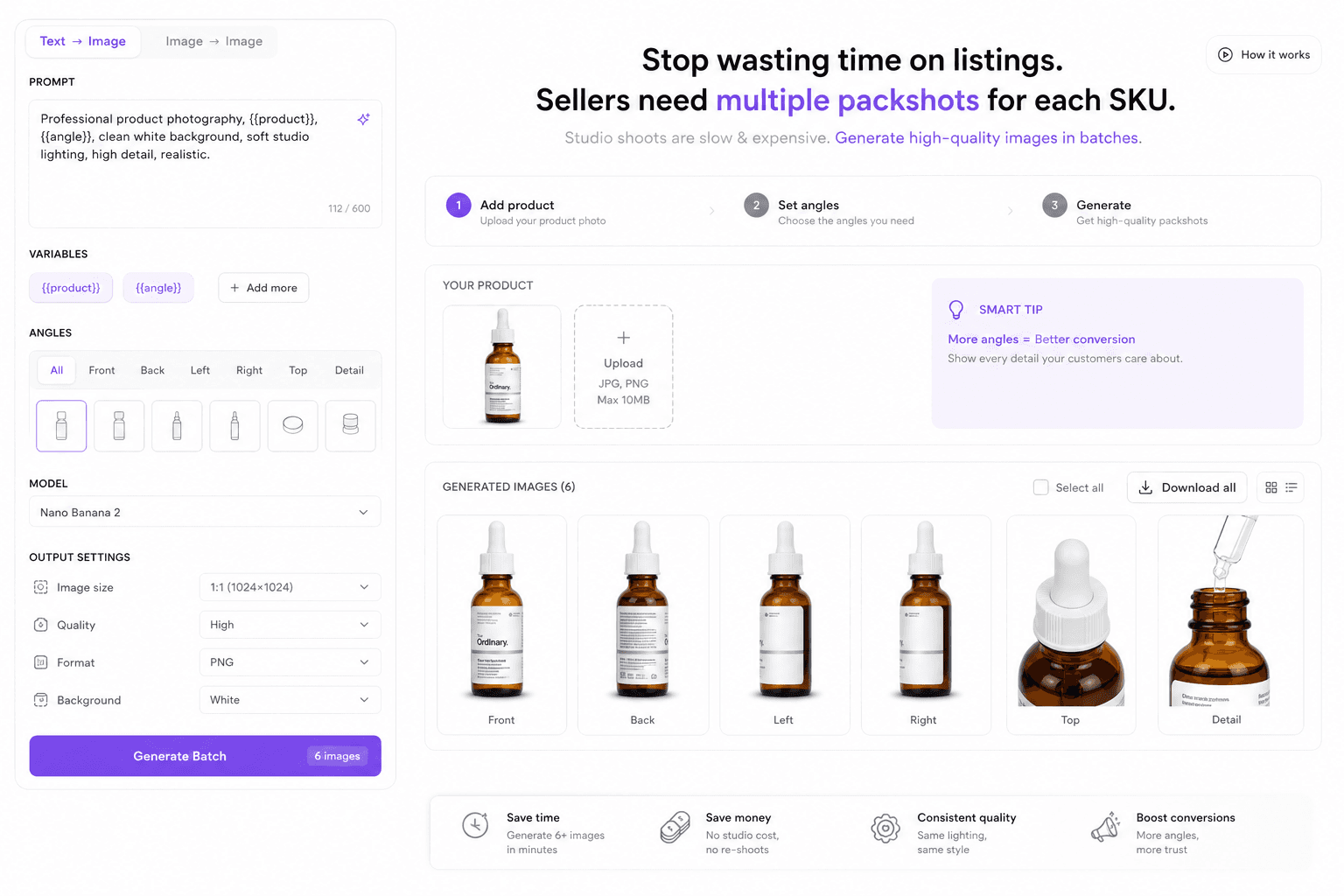
Shopee、Lazada、Amazon、Facebook、Instagram は正面・側面・ディテール・ライフスタイルなど多角度を評価します。仕入 JPG 1枚ではほぼ足りません。再撮影を待つ間に競合は充実した PDP を公開し、信頼とクリックを先に取ります。
毎回の発売で数十SKUの統一照明が必要です(ヒーロー、俯瞰、ラベル、質感)。角度ごとにスタジオを押さえるのは遅く高価で、補充週に同じ運用は回せません。結果、セットがバラつき、公開が遅れ、MDが撮影カレンダーに縛られます。
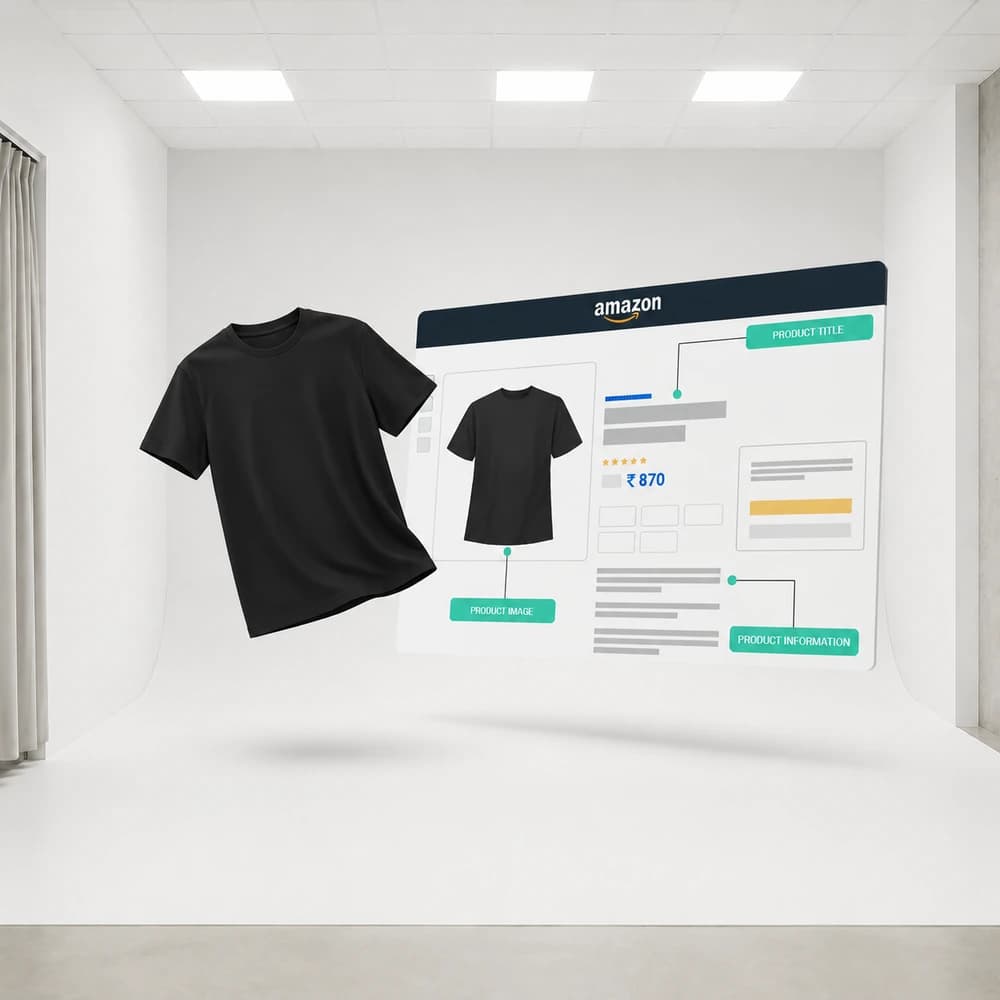
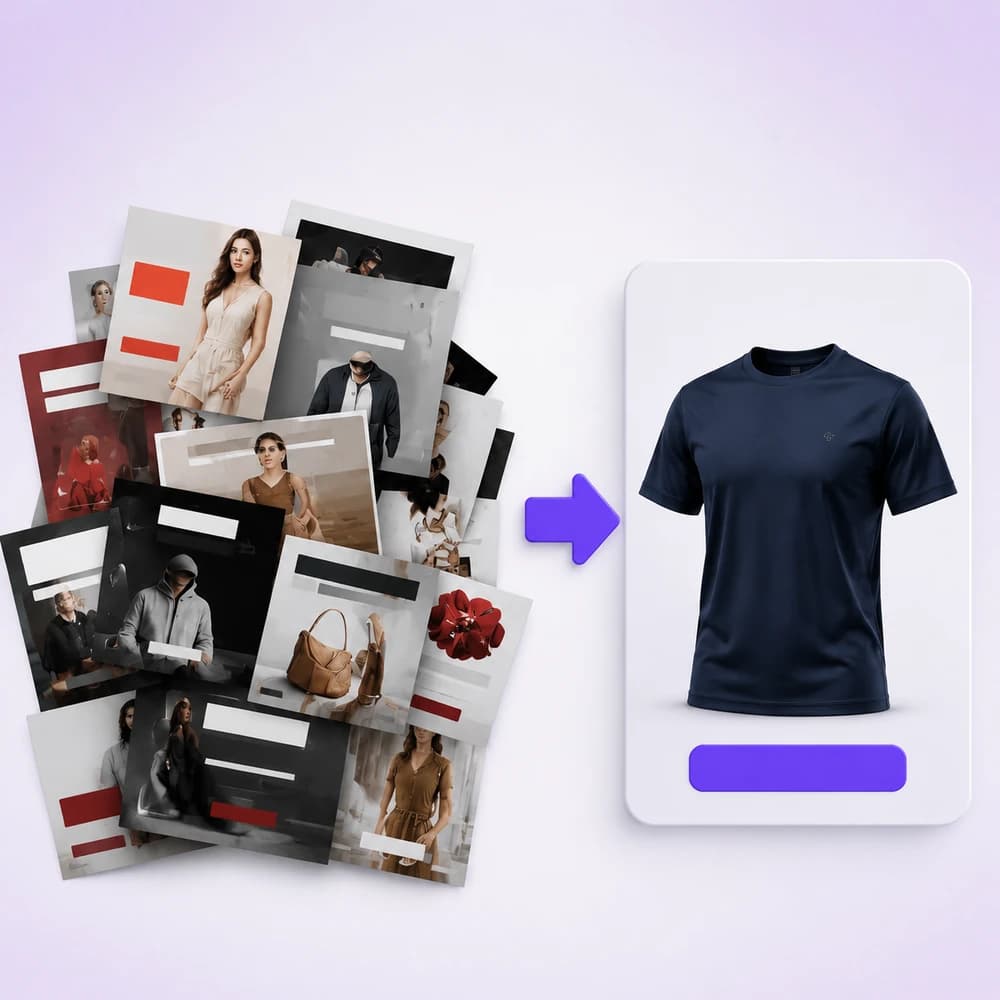
グロースは毎週、出品カットと広告バリエーションが必要です。四半期に一度ではありません。デザイン待ちが続くとテストが止まり、CPAが上がり、勝ちクリエイティブが埋もれます。古い枠で予算を燃やす一方、オークションは待ってくれません。
Start from packshot, marketplace banners, image-to-video, or background-removal flows — all available in Studio and Workflow.
Upload a reference, plan shots or prompts, then run image/video models with credit-based pricing shown before generate.
Download assets, refine with upscale/inpaint/remove-bg nodes, or polish layouts in Canva when connected.
Multi-angle commercial shots from one product photo using Shot Planner + Generate Image.
Create feed, story, and cover-oriented creatives with aspect controls and crop.
Animate catalog stills into short marketing clips for paid social and storefronts.
Remove backgrounds, upscale detail, and crop for marketplace requirements.
An apparel seller starts with a single white-background photo. They run a packshot workflow for listing angles, generate Meta feed + story banners, then animate the hero shot into a 5–8s product clip for Boost campaigns.
No. Ecommerce operators, growth marketers, and founders can run Studio and Workflow templates. You do not need After Effects or Photoshop to ship first drafts.
Any storefront that needs product photos and ads — Shopee, Lazada, TikTok Shop, Amazon, Shopify, and Meta/Google placements. Orauria generates assets; you upload them to each platform.
Native one-click Shopify publish is not the focus of these pages yet. You download assets (and optionally polish in Canva) then upload to your store or ads manager.
Pay-as-you-go credits. Each model shows an estimate before you generate. See Pricing for packages.
Create
EC 向け AI パックショット Studio
Shot Planner と Studio 画像モデルで、1枚の商品写真から多角度パックショットを生成。
Create
Pose Fashion — ポーズパックから衣装ルックブック
Orauria Fashion Poses で複数の衣装を共通ポーズパックに着せ、アパレル EC 向けリスティング画像をバッチ生成。
Create
AI マーケットプレイス&広告バナー
Orauria Studio でフィード・ストーリー・カバー向け比率の EC 広告バナーを作成。
Optimize
EC 背景除去とカタログ整備
Orauria Workflow で背景除去、アップスケール、クロップ — 出品可能な切り抜きを準備。