
정지 카탈로그는 모션 우선 피드에서 사라진다
Meta, Reels, 숏폼 지면은 움직임을 우선합니다. JPG만 있으면 영상 훅을 제대로 테스트할 수 없고, 제품력이 좋아도 불리합니다. 정적 갤러리가 약한 이유는 오퍼가 약해서가 아니라, 피드가 공정한 기회를 주지 않기 때문입니다.
이미지 투 비디오
카탈로그 스틸을 스크롤을 멈추는 클립으로. 팩샷·라이프스타일 이미지로 시작 — 초안에 타임라인 편집 불필요.
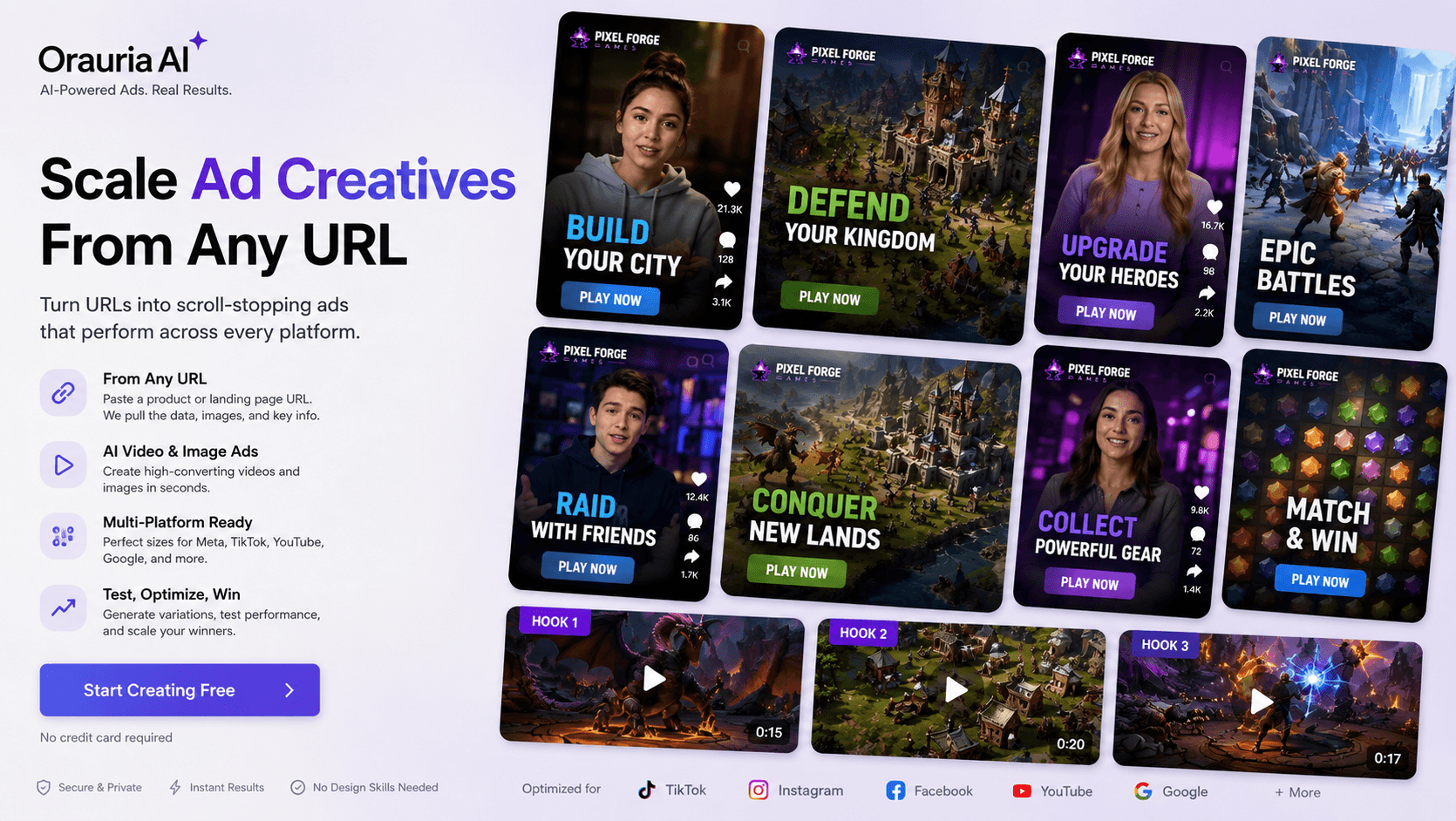
Meta, Reels, 숏폼 지면은 움직임을 우선합니다. JPG만 있으면 영상 훅을 제대로 테스트할 수 없고, 제품력이 좋아도 불리합니다. 정적 갤러리가 약한 이유는 오퍼가 약해서가 아니라, 피드가 공정한 기회를 주지 않기 때문입니다.
모든 제품에 편집자·촬영을 붙이면 주간 테스트 압력에 무너집니다. 대부분 팀은 시네마틱 촬영이 아니라 기존 팩샷으로 초안 클립이 필요합니다—푸시인, 가벼운 움직임, 스크롤을 멈추는 루프를 오늘 올리고 내일 개선하는 것.
캠페인 학습은 물량과 속도에 달렸습니다. 2주를 기다리면 테스트를 놓치고 피드백이 느려지며 낡은 크리에이티브에 돈을 태웁니다. 히어로 팩샷의 이미지→비디오로 오늘 스틸을 내일 테스트 가능한 광고로 바꾸세요—아직 이길 수 있는 경매일 때.
Use a clean packshot or lifestyle still as the image reference in Studio Video.
Write a short prompt for camera move, lighting, and product focus.
Create a short clip, review, then optionally add voiceover with Studio audio/TTS for narration.
Studio Video and Workflow Generate Video nodes animate still product images.
Pair clips with TTS or cloned voices when you need narration — without claiming full talking-avatar lip-sync suites.
Regenerate with new prompts to test different motion styles for the same SKU.
A beauty brand takes their best serum packshot, generates a slow push-in product clip, then tests it as a Meta Advantage+ creative against static ads.
No. This page focuses on animating product images into short videos. Digital spokesperson / talking-avatar workflows are a different product surface and are not claimed here.
URL-to-video automation is not the primary flow documented here. Upload your product image (or generate packshots first), then run image-to-video.
Start with short social cuts suitable for feed/story tests. Exact max duration depends on the selected video model — check the model panel in Studio before generate.
솔루션
이커머스 배치 팩샷
제품 사진 한 장으로 다각도 팩샷을 배치 생성해 Shopee, Lazada, Amazon, Facebook, Instagram 리스팅을 가속 — Orauria Studio.
Create
이커머스 AI 팩샷 스튜디오
Shot Planner와 Studio 이미지 모델로 제품 사진 한 장에서 다각도 팩샷 생성.
Create
AI 마켓플레이스 & 광고 배너
Orauria Studio로 피드·스토리·커버 비율의 이커머스 광고 배너 제작.
Optimize
이커머스 배경 제거 & 카탈로그 정리
Orauria Workflow로 배경 제거, 업스케일, 크롭 — 리스팅 준비된 컷아웃.