
사진 한 장으로는 리스팅 갤러리를 채울 수 없다
Shopee, Lazada, Amazon, Facebook, Instagram은 정면·측면·디테일·라이프스타일 등 다각도 갤러리를 선호합니다. 공급사 JPG 한 장으로는 거의 부족합니다. 재촬영을 기다리는 동안 경쟁사는 더 풍부한 PDP를 올리고 신뢰와 클릭을 먼저 가져갑니다.
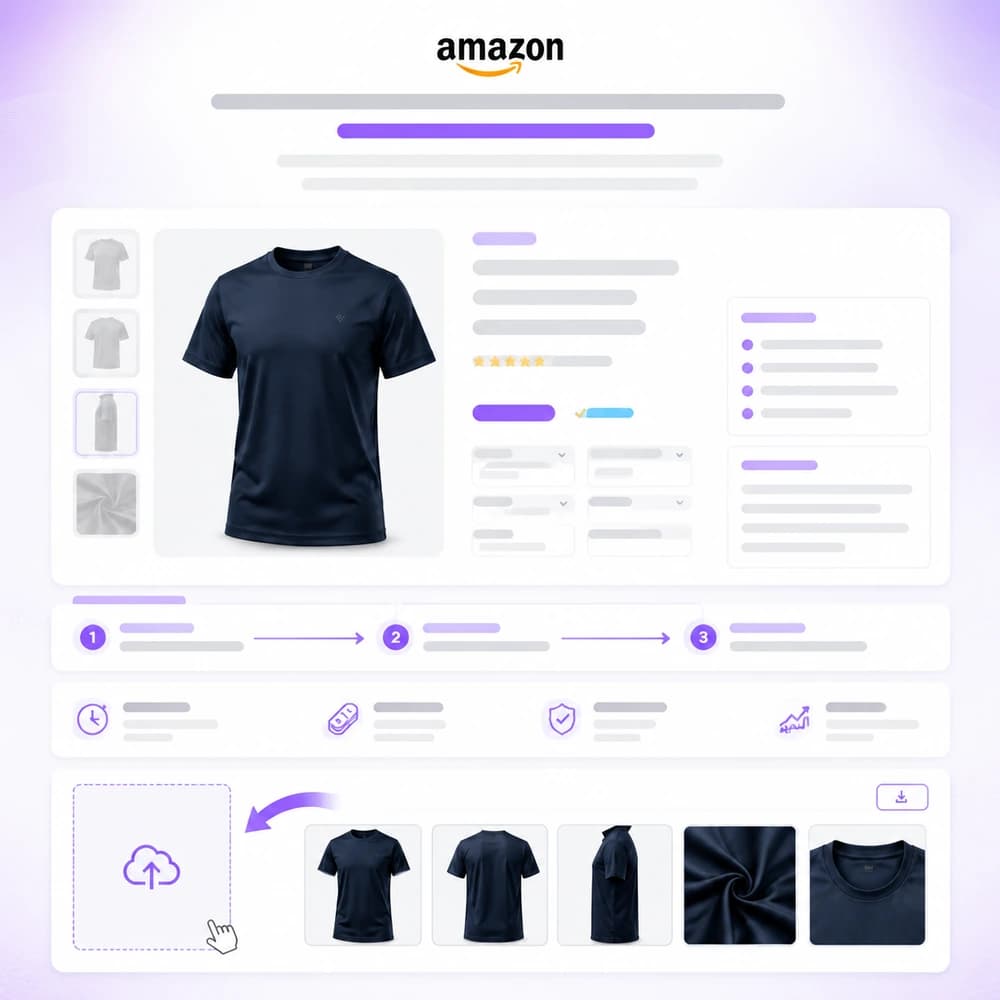
셀러는 SKU마다 다각도 이미지가 필요합니다. 제품 사진 한 장을 업로드해 팩샷 세트를 배치 생성한 뒤 배너·광고에 재사용 — 재촬영 없이.
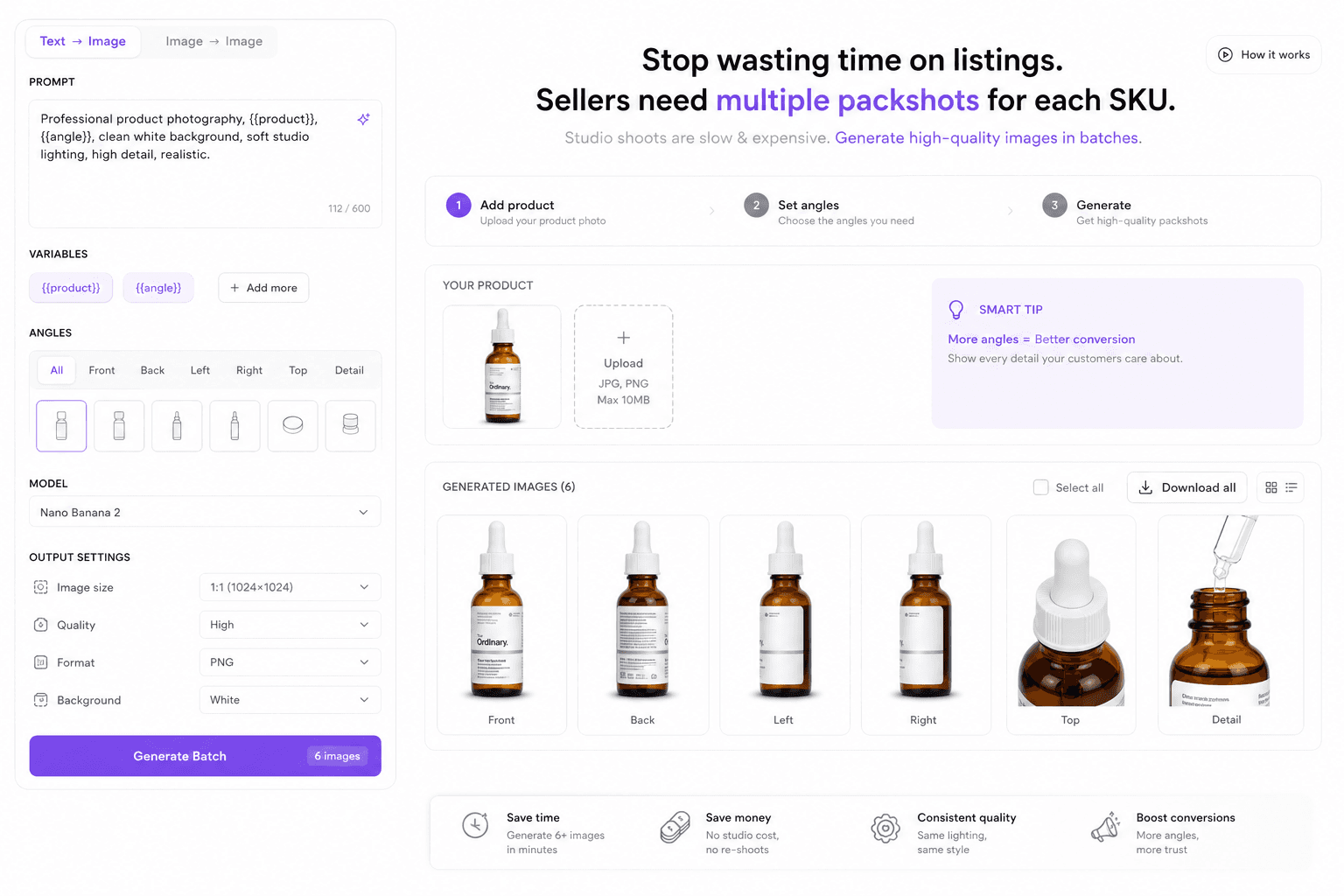
Shopee, Lazada, Amazon, Facebook, Instagram은 정면·측면·디테일·라이프스타일 등 다각도 갤러리를 선호합니다. 공급사 JPG 한 장으로는 거의 부족합니다. 재촬영을 기다리는 동안 경쟁사는 더 풍부한 PDP를 올리고 신뢰와 클릭을 먼저 가져갑니다.
출시마다 수십 SKU의 일관된 조명이 필요합니다(히어로, 탑다운, 라벨, 텍스처). 각도마다 스튜디오를 잡는 방식은 느리고 비싸며 재입고 주에 반복하기 어렵습니다. 결과적으로 세트가 제각각이고 오픈이 늦어지며 MD가 촬영 일정에 묶입니다.
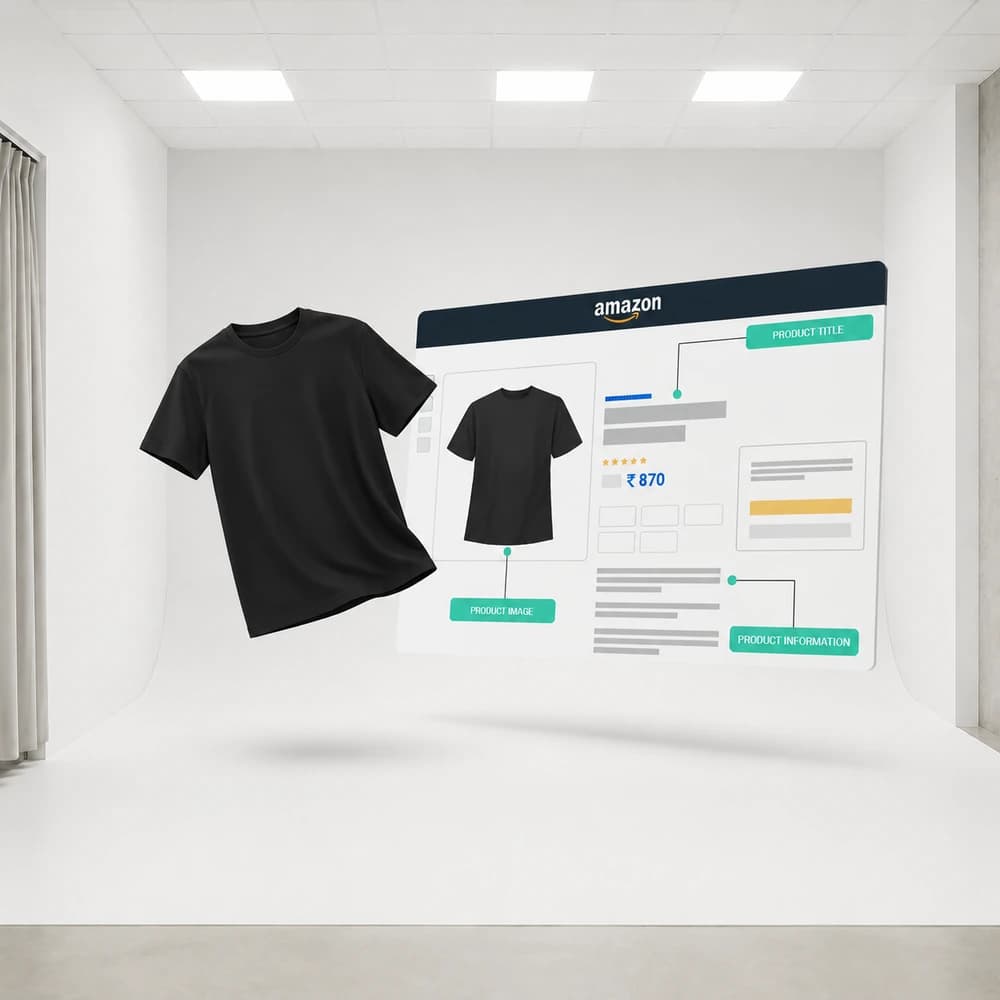
그로스 팀은 매주 새 리스팅 컷과 광고 변형이 필요합니다. 분기에 한 번이 아닙니다. 디자인 대기열이 밀리면 테스트가 멈추고 CPA가 오르며 승자 크리에이티브가 묻힙니다. 어제 프레임에 예산을 태우는 사이 경매는 당신을 기다리지 않습니다.
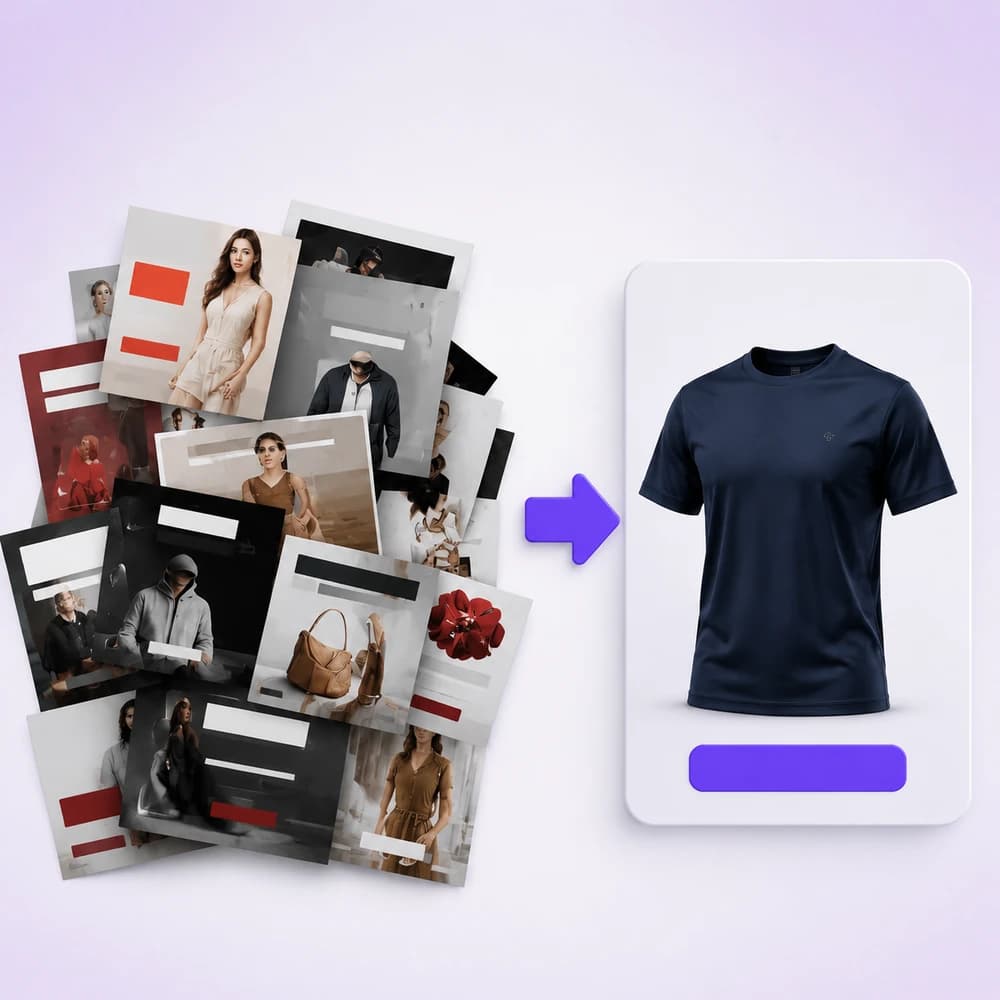
Start from packshot, marketplace banners, image-to-video, or background-removal flows — all available in Studio and Workflow.
Upload a reference, plan shots or prompts, then run image/video models with credit-based pricing shown before generate.
Download assets, refine with upscale/inpaint/remove-bg nodes, or polish layouts in Canva when connected.
Multi-angle commercial shots from one product photo using Shot Planner + Generate Image.
Create feed, story, and cover-oriented creatives with aspect controls and crop.
Animate catalog stills into short marketing clips for paid social and storefronts.
Remove backgrounds, upscale detail, and crop for marketplace requirements.
An apparel seller starts with a single white-background photo. They run a packshot workflow for listing angles, generate Meta feed + story banners, then animate the hero shot into a 5–8s product clip for Boost campaigns.
No. Ecommerce operators, growth marketers, and founders can run Studio and Workflow templates. You do not need After Effects or Photoshop to ship first drafts.
Any storefront that needs product photos and ads — Shopee, Lazada, TikTok Shop, Amazon, Shopify, and Meta/Google placements. Orauria generates assets; you upload them to each platform.
Native one-click Shopify publish is not the focus of these pages yet. You download assets (and optionally polish in Canva) then upload to your store or ads manager.
Pay-as-you-go credits. Each model shows an estimate before you generate. See Pricing for packages.
Create
이커머스 AI 팩샷 스튜디오
Shot Planner와 Studio 이미지 모델로 제품 사진 한 장에서 다각도 팩샷 생성.
Create
Pose Fashion — 포즈 팩으로 의상 룩북
Orauria Fashion Poses로 여러 의상을 하나의 공용 포즈 팩에 입혀 이커머스 의류 리스팅 이미지를 배치 생성합니다.
Create
AI 마켓플레이스 & 광고 배너
Orauria Studio로 피드·스토리·커버 비율의 이커머스 광고 배너 제작.
Optimize
이커머스 배경 제거 & 카탈로그 정리
Orauria Workflow로 배경 제거, 업스케일, 크롭 — 리스팅 준비된 컷아웃.