
쇼퍼가 보고 싶은 각도가 리스팅에 없다
마켓플레이스는 히어로 한 장만으로 전환되지 않습니다. 구매자는 신뢰 전에 후면, 3/4, 디테일, 패키지를 원합니다. 갤러리 구멍은 미완성처럼 보이고, SKU마다 다시 찍어 채우면 오픈만 더 멀어집니다.
마켓플레이스는 히어로 한 장만으로 전환되지 않습니다. 구매자는 신뢰 전에 후면, 3/4, 디테일, 패키지를 원합니다. 갤러리 구멍은 미완성처럼 보이고, SKU마다 다시 찍어 채우면 오픈만 더 멀어집니다.
프리랜서·공급 사진은 화이트밸런스·그림자·배경이 잘 맞지 않습니다. PDP에 나란히 두면 누덕누덕해 보이고 전문성이 떨어집니다. Brand Style과 공통 프롬프트로 팩샷 세트를 맞춰, 모든 SKU가 한 브랜드처럼 보이게 하세요.
팩샷을 며칠 기다리면 광고, A+ 모듈, 시즌 캠페인이 가장 뜨거울 때 멈춥니다. MD와 매체 운영은 몇 시간 안에 리스팅 가능한 각도가 필요합니다. PDP·캠페인·테스트를 같은 스프린트에서 돌리고, 2주 촬영 대기열에 갇히지 않기 위해서입니다.
Drop a clear product photo into Studio or a Workflow Start / Image Input node.
Use Shot Prompt Planner in packshot mode to build a shot list (angles, props, background).
Run Generate Image per shot, review, then upscale winners for marketplace resolution.
Workflow agent ideas wire Brand Style → Shot Planner → Generate Image for each angle.
Clean backgrounds, controlled props, and listing-friendly compositions.
Use Studio batch mode when you need many variations of the same SKU concept.
A footwear seller uploads a single side-view photo. Shot Planner creates front, 3/4, sole detail, and lifestyle-lite angles. After generation, Upscale prepares Amazon-ready resolution.
AI packshots are excellent for drafts, testing, and many live listings, but you should review for accuracy on materials, logos, and fine text. High-stakes brand campaigns may still use photography for hero SKUs.
Use clear references and review outputs carefully. For beauty/packaging, prefer modes that emphasize label preservation and edit with Inpaint if needed.
Studio exposes available image models from Orauria’s catalog (including major providers). Pricing is shown before generate.
솔루션
이커머스 배치 팩샷
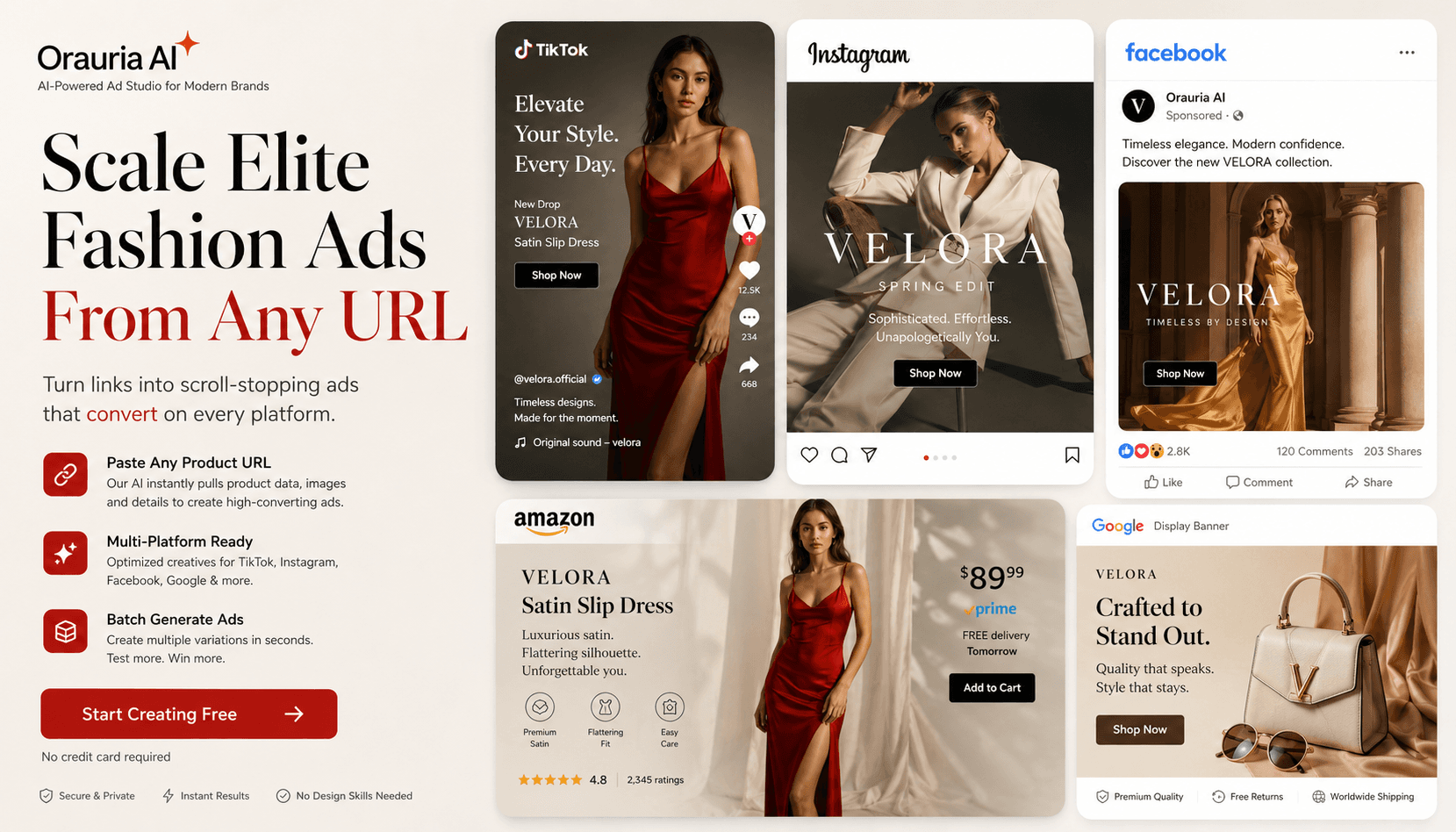
제품 사진 한 장으로 다각도 팩샷을 배치 생성해 Shopee, Lazada, Amazon, Facebook, Instagram 리스팅을 가속 — Orauria Studio.
Create
Pose Fashion — 포즈 팩으로 의상 룩북
Orauria Fashion Poses로 여러 의상을 하나의 공용 포즈 팩에 입혀 이커머스 의류 리스팅 이미지를 배치 생성합니다.
Optimize
이커머스 배경 제거 & 카탈로그 정리
Orauria Workflow로 배경 제거, 업스케일, 크롭 — 리스팅 준비된 컷아웃.
Create
AI 마켓플레이스 & 광고 배너
Orauria Studio로 피드·스토리·커버 비율의 이커머스 광고 배너 제작.