
静止画カタログは動き優先のフィードで消える
Meta、Reels、短尺枠はモーションを優先します。JPGだけだと動画フックを本気で試せず、商品力が強くても不利です。静止画が弱いのはオファー不足ではなく、フィードが公平に扱わないからです。
画像から動画
カタログ静止画をスクロールを止めるクリップに。パックショットやライフスタイル画像から開始 — 初稿にタイムライン編集は不要。
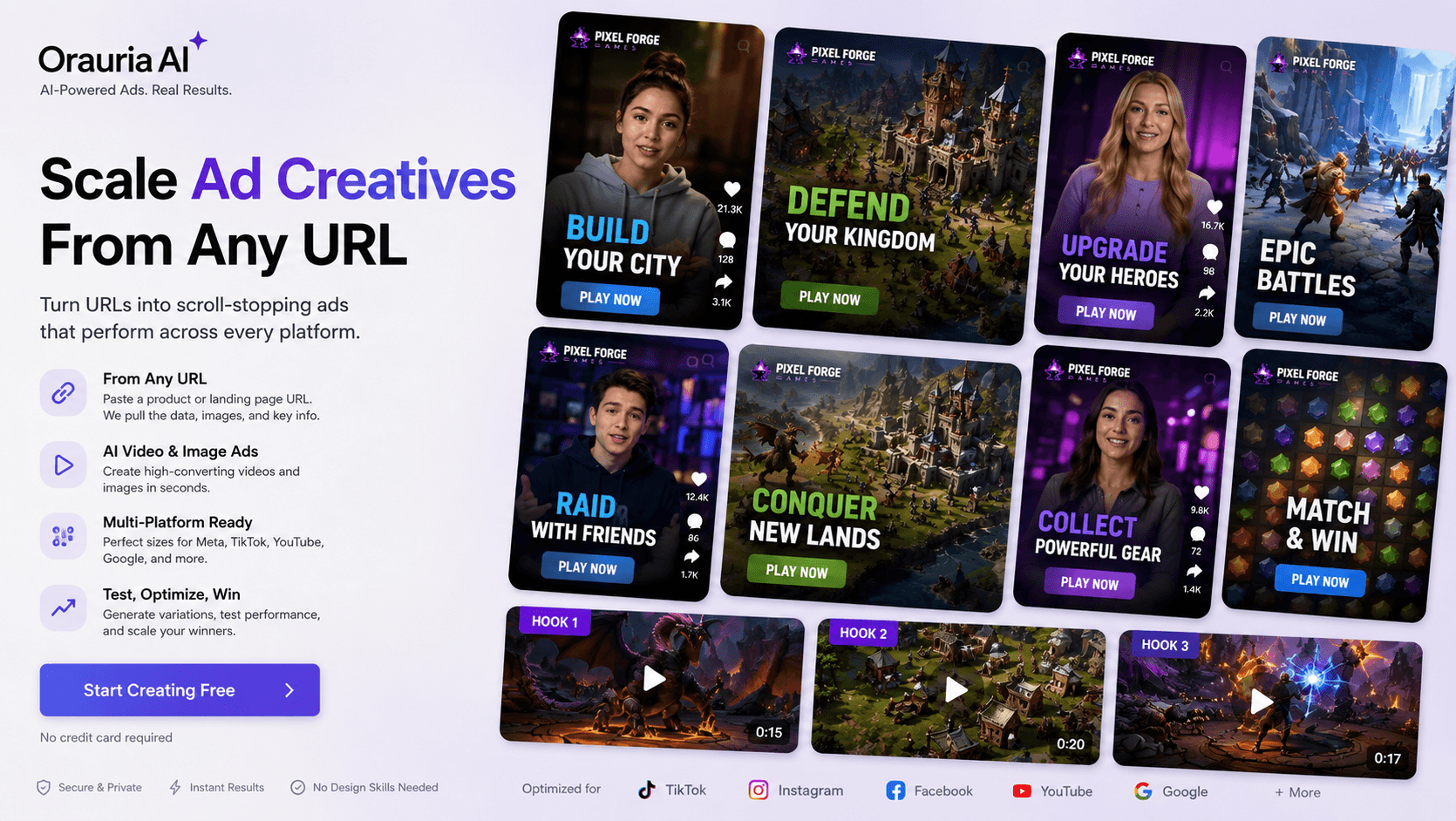
Meta、Reels、短尺枠はモーションを優先します。JPGだけだと動画フックを本気で試せず、商品力が強くても不利です。静止画が弱いのはオファー不足ではなく、フィードが公平に扱わないからです。
全商品に編集者や撮影を付けると週次テストで破綻します。多くのチームに必要なのは映画級ではなく、既存パックショットからの下書きクリップ——プッシュイン、軽い動き、スクロールを止めるループを今日出して明日改善することです。
学習には量と速さが必要です。2週間待つとテストを逃し、古いクリエイティブで燃費が悪化します。ヒーローパックショットからの画像→動画で、今日の静止画を明日の検証可能な広告に変えられます——まだ勝てるオークションのうちに。
Use a clean packshot or lifestyle still as the image reference in Studio Video.
Write a short prompt for camera move, lighting, and product focus.
Create a short clip, review, then optionally add voiceover with Studio audio/TTS for narration.
Studio Video and Workflow Generate Video nodes animate still product images.
Pair clips with TTS or cloned voices when you need narration — without claiming full talking-avatar lip-sync suites.
Regenerate with new prompts to test different motion styles for the same SKU.
A beauty brand takes their best serum packshot, generates a slow push-in product clip, then tests it as a Meta Advantage+ creative against static ads.
No. This page focuses on animating product images into short videos. Digital spokesperson / talking-avatar workflows are a different product surface and are not claimed here.
URL-to-video automation is not the primary flow documented here. Upload your product image (or generate packshots first), then run image-to-video.
Start with short social cuts suitable for feed/story tests. Exact max duration depends on the selected video model — check the model panel in Studio before generate.
ソリューション
EC向けバッチパックショット
1枚の商品写真から多角度パックショットを一括生成。Shopee、Lazada、Amazon、Facebook、Instagram の出品を加速 — Orauria Studio。
Create
EC 向け AI パックショット Studio
Shot Planner と Studio 画像モデルで、1枚の商品写真から多角度パックショットを生成。
Create
AI マーケットプレイス&広告バナー
Orauria Studio でフィード・ストーリー・カバー向け比率の EC 広告バナーを作成。
Optimize
EC 背景除去とカタログ整備
Orauria Workflow で背景除去、アップスケール、クロップ — 出品可能な切り抜きを準備。