
一张图永远撑不起完整 listing 图库
Shopee、Lazada、Amazon、Facebook 与 Instagram 都偏好多角度图库——正面、侧面、细节、场景。供应商一张 JPG 几乎填不满这套需求。你还在等重拍时,竞品已经上了更完整的 PDP,更快建立信任并抢走本该属于你的点击。
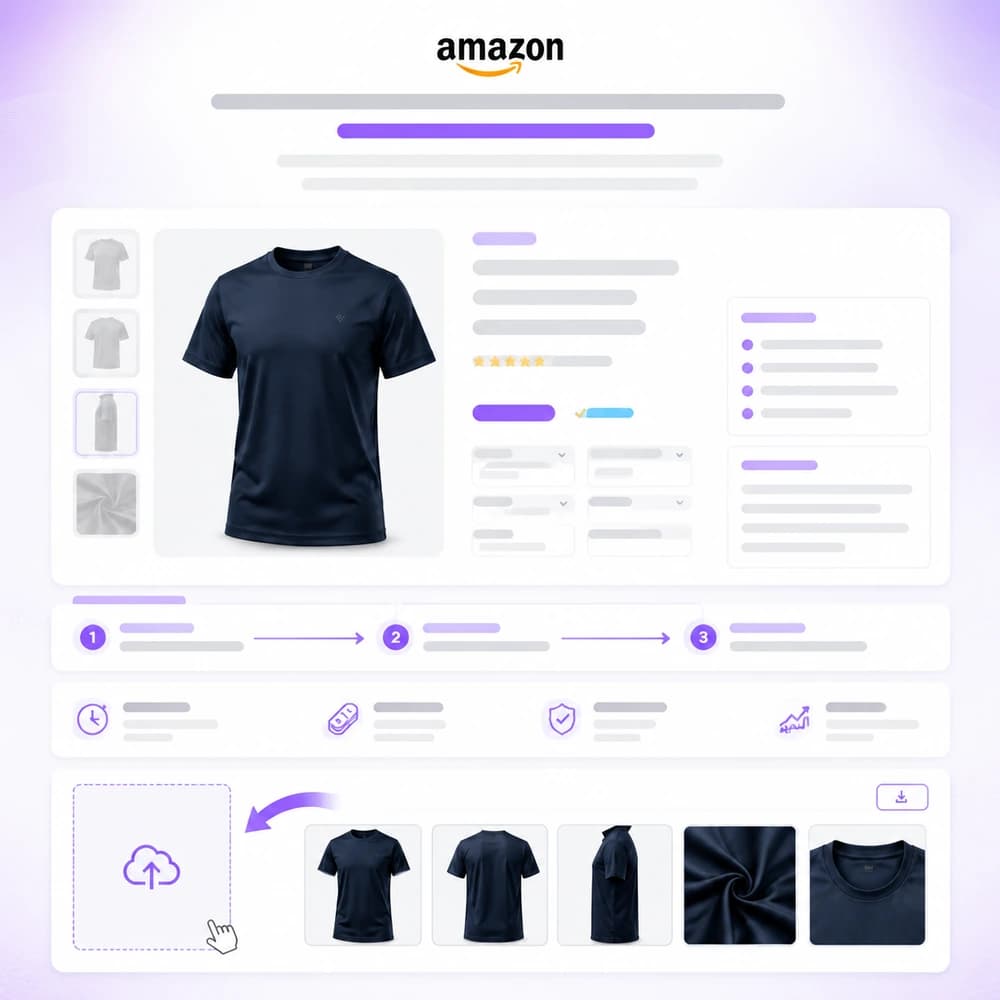
卖家每个 SKU 都需要多角度图用于商城、Facebook 与 Instagram。上传一张产品图,批量生成整套 Packshot,再复用到 Banner 与广告 — 无需重新棚拍。
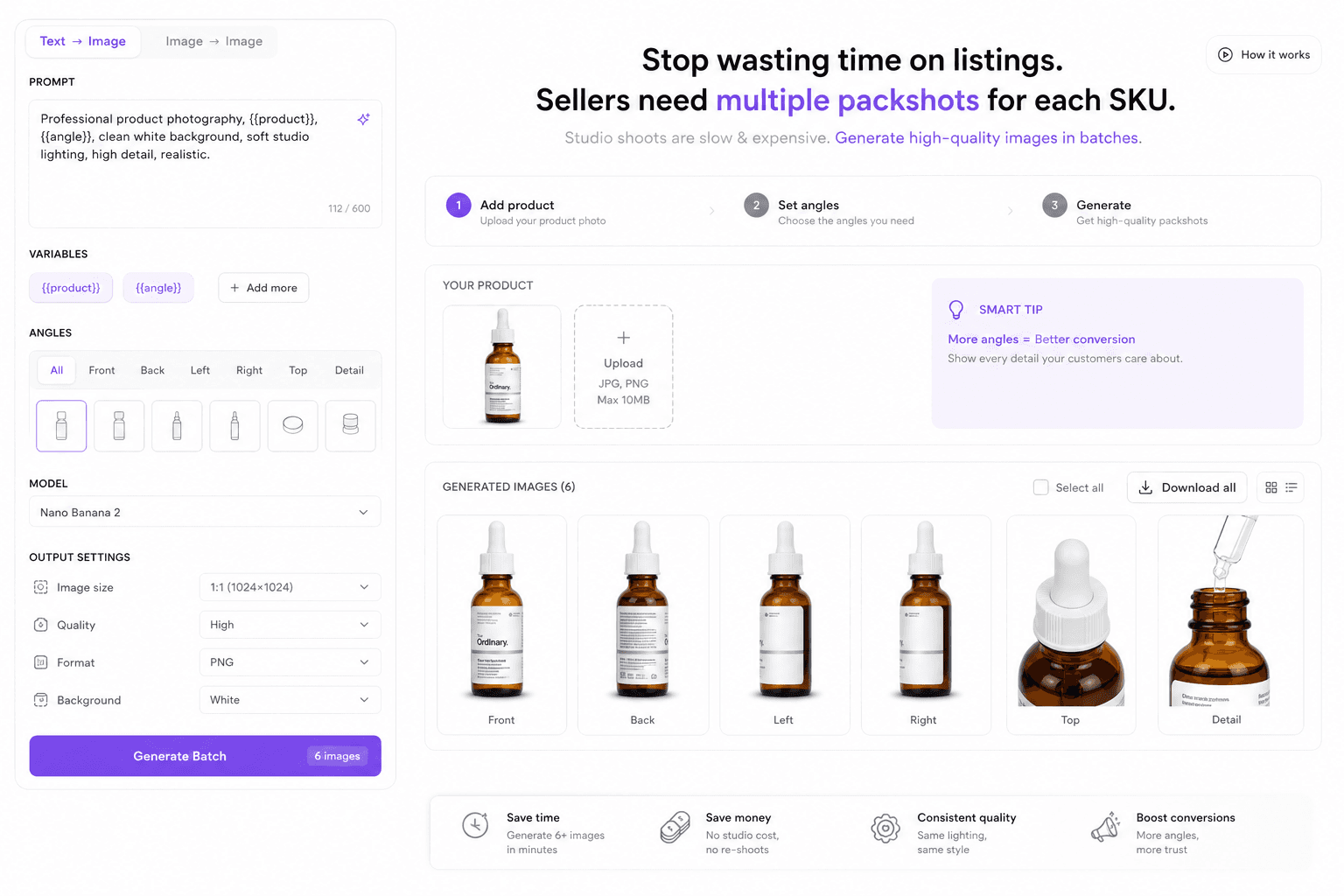
Shopee、Lazada、Amazon、Facebook 与 Instagram 都偏好多角度图库——正面、侧面、细节、场景。供应商一张 JPG 几乎填不满这套需求。你还在等重拍时,竞品已经上了更完整的 PDP,更快建立信任并抢走本该属于你的点击。
每一波上新都需要数十个 SKU 的统一光线:主图、俯视、标签、材质。为每个角度约棚拍既慢又贵,补货周几乎无法复用同一流程。结果是成套素材风格分裂、上线延期,选品被拍摄档期卡住。
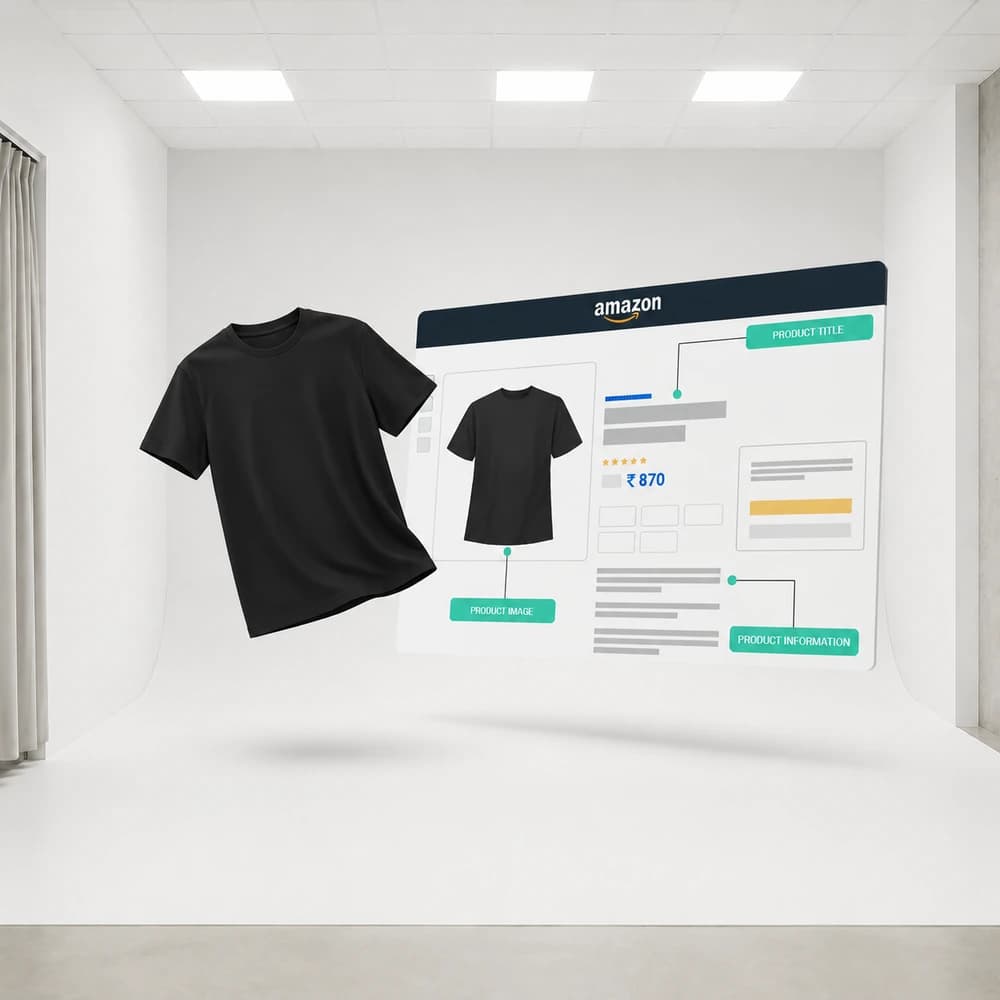
增长团队每周都需要新的 listing 图与广告变体——不是一季度一次。设计队列跟不上时,测试停滞、CPA 上升,爆款创意被埋没。你还在烧昨天的画面,拍卖场已经不等你继续往前。
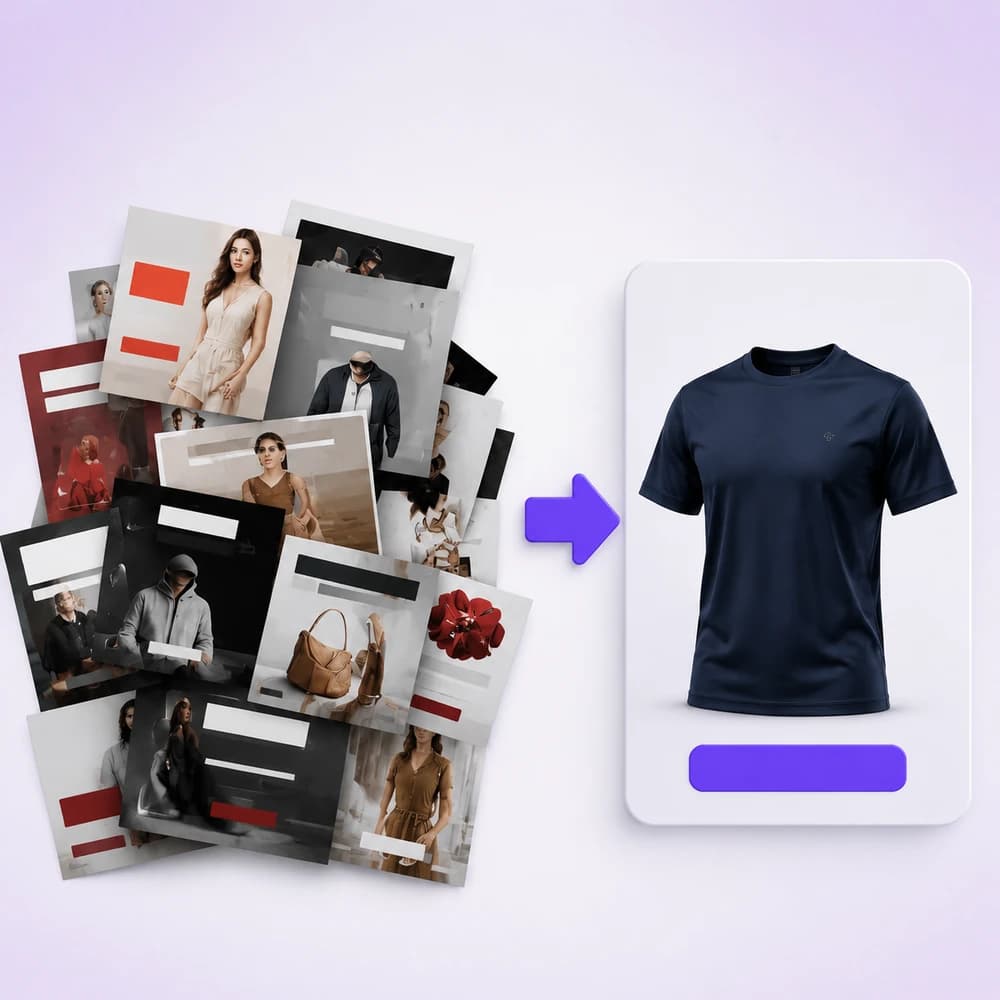
Start from packshot, marketplace banners, image-to-video, or background-removal flows — all available in Studio and Workflow.
Upload a reference, plan shots or prompts, then run image/video models with credit-based pricing shown before generate.
Download assets, refine with upscale/inpaint/remove-bg nodes, or polish layouts in Canva when connected.
Multi-angle commercial shots from one product photo using Shot Planner + Generate Image.
Create feed, story, and cover-oriented creatives with aspect controls and crop.
Animate catalog stills into short marketing clips for paid social and storefronts.
Remove backgrounds, upscale detail, and crop for marketplace requirements.
An apparel seller starts with a single white-background photo. They run a packshot workflow for listing angles, generate Meta feed + story banners, then animate the hero shot into a 5–8s product clip for Boost campaigns.
No. Ecommerce operators, growth marketers, and founders can run Studio and Workflow templates. You do not need After Effects or Photoshop to ship first drafts.
Any storefront that needs product photos and ads — Shopee, Lazada, TikTok Shop, Amazon, Shopify, and Meta/Google placements. Orauria generates assets; you upload them to each platform.
Native one-click Shopify publish is not the focus of these pages yet. You download assets (and optionally polish in Canva) then upload to your store or ads manager.
Pay-as-you-go credits. Each model shows an estimate before you generate. See Pricing for packages.
Create
电商 AI 产品棚拍 Packshot
用 Shot Planner 与 Studio 图像模型,从一张产品图生成多角度电商 Packshot。
Create
Pose Fashion — 用姿态包生成服装 Lookbook
用 Orauria Fashion Poses 将多套服装套到同一姿态包上,批量生成电商服装 listing 图。
Create
AI 商城与广告 Banner
用 Orauria Studio 按信息流、Story、封面友好比例创建电商广告与商城创意。
Optimize
电商抠图与目录清理
用 Orauria Workflow 去背景、放大细节并裁切电商产品图 — 准备可上架的抠图。