
每个平台都要不同比例
信息流 1:1、Story 9:16 与宽幅封面都需要真正的构图调整,而不是硬拉变形。为每个版位手工重做会在广告上线前耗尽设计时间。
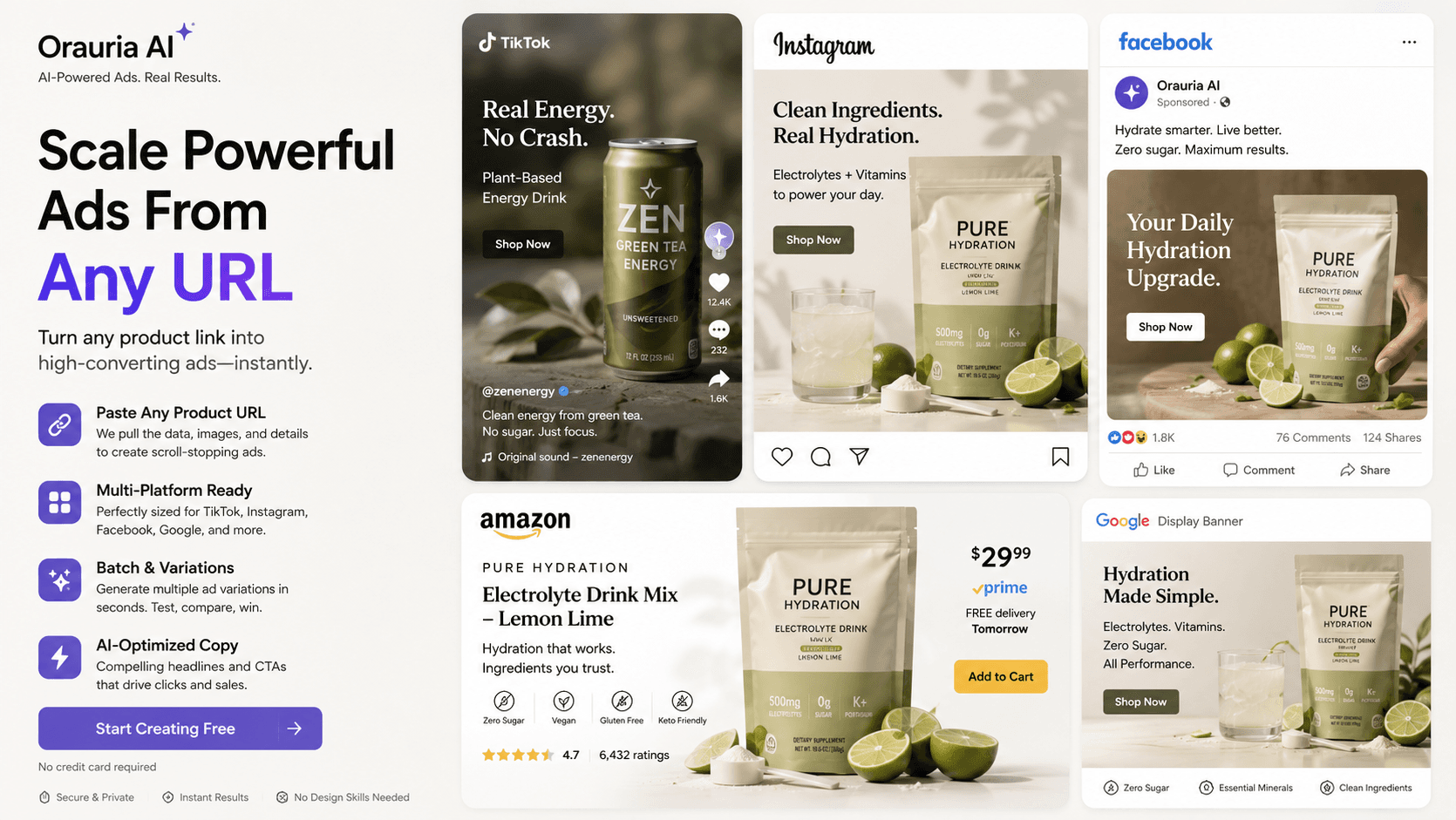
信息流 1:1、Story 9:16 与宽幅封面都需要真正的构图调整,而不是硬拉变形。为每个版位手工重做会在广告上线前耗尽设计时间。
媒介买手每周需要新钩子。当 Banner 都卡在设计 backlog,学习停滞,你也可能只因先上线而放大错误创意。
没有统一 Brand Style 与提示词,季节战役会不一致。颜色、Logo 与语气在不同外包间漂移,削弱 Meta 与商城 Banner 的识别度。
Upload a product image and optional brand references. Use marketplace banner ideas in Workflow when available.
Choose feed/story-oriented ratios and describe offer, CTA vibe, and layout intent in the prompt.
Create variants, refine framing with Crop, and download for Ads Manager or marketplace campaigns.
Studio image models support multiple aspect ratios for placement-ready drafts.
Workflow Crop helps lock framing after generation.
Studio batch mode helps spin multiple hook variants from one brief.
A home-goods seller generates a 1:1 Meta feed creative and a 9:16 story variant from the same product hero, then crops a wide cover for a Shopee campaign header.
Orauria helps you generate and crop for common ratios. It is not positioned as an automatic 50-output multi-size factory. Generate the placements you need and refine framing.
Use prompts for layout intent, then polish typography/logo placement in Canva (when connected) or your design tool for pixel-perfect overlays.
No — any channel that needs rectangular creatives: Meta, TikTok-style ads, Shopee/Lazada banners, email headers, and landing heroes.